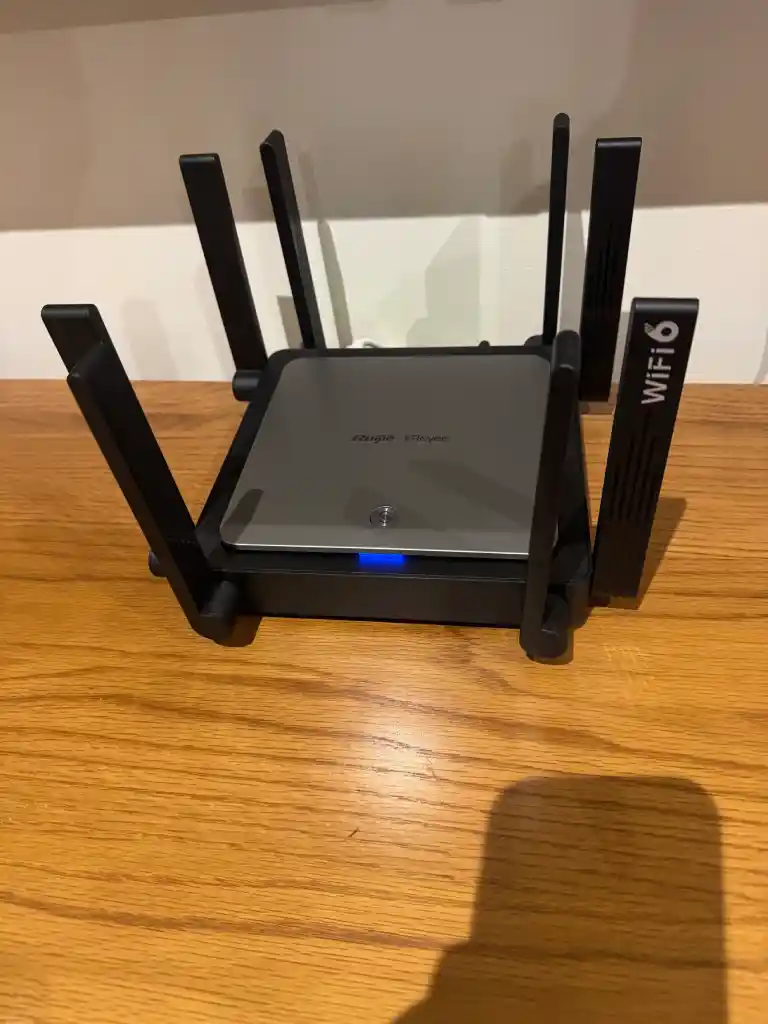
Mesh Wi-Fi Installation
Whole home coverage on one network name, with nodes placed against your wall materials rather than where a power point happens to be.
Best for: Double storey and double brick homes

Mesh systems, access points, network cabling and point to point links. One team that assesses your walls, places the hardware properly and proves the result room by room.
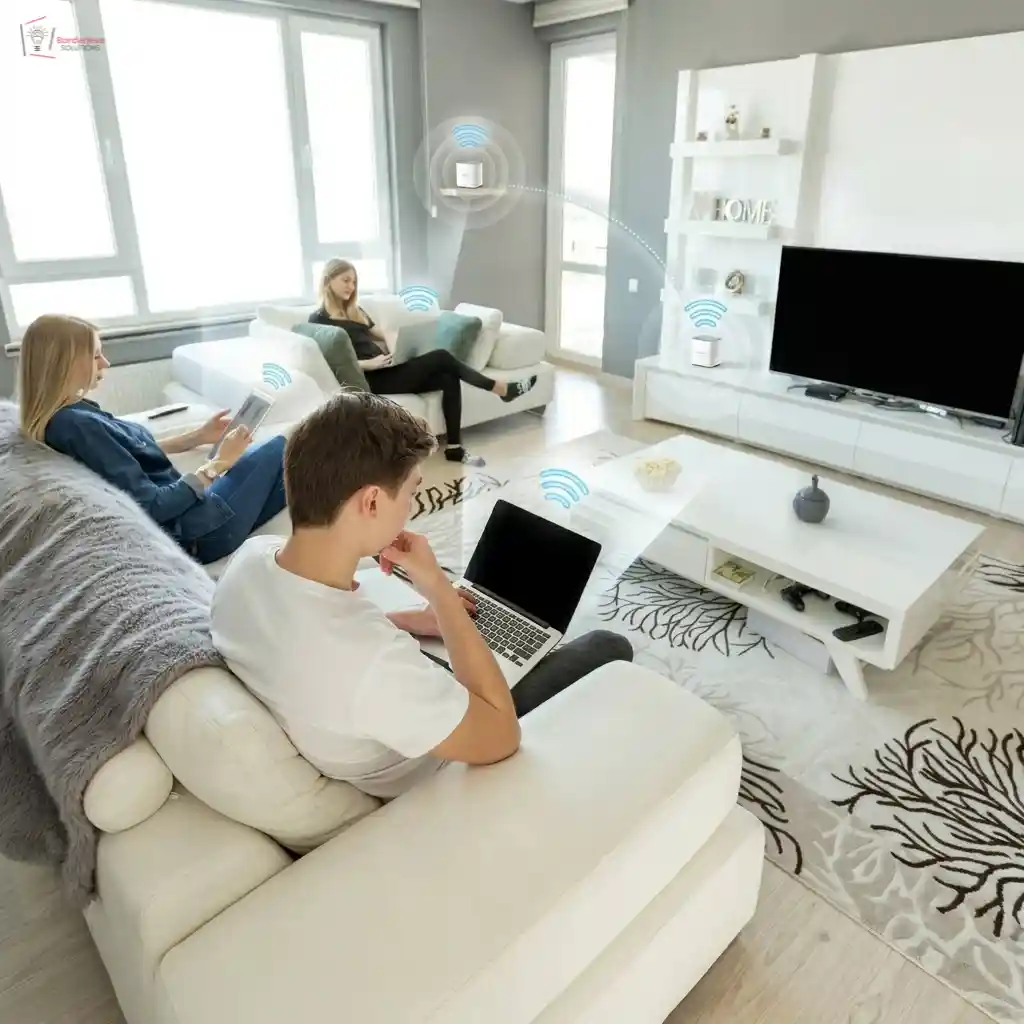
Everything under one roof
Six related services that most properties need one or two of. Which one is right is decided by the building and the device count, not by the box on the shelf.
Whole home coverage on one network name, with nodes placed against your wall materials rather than where a power point happens to be.
Best for: Double storey and double brick homes
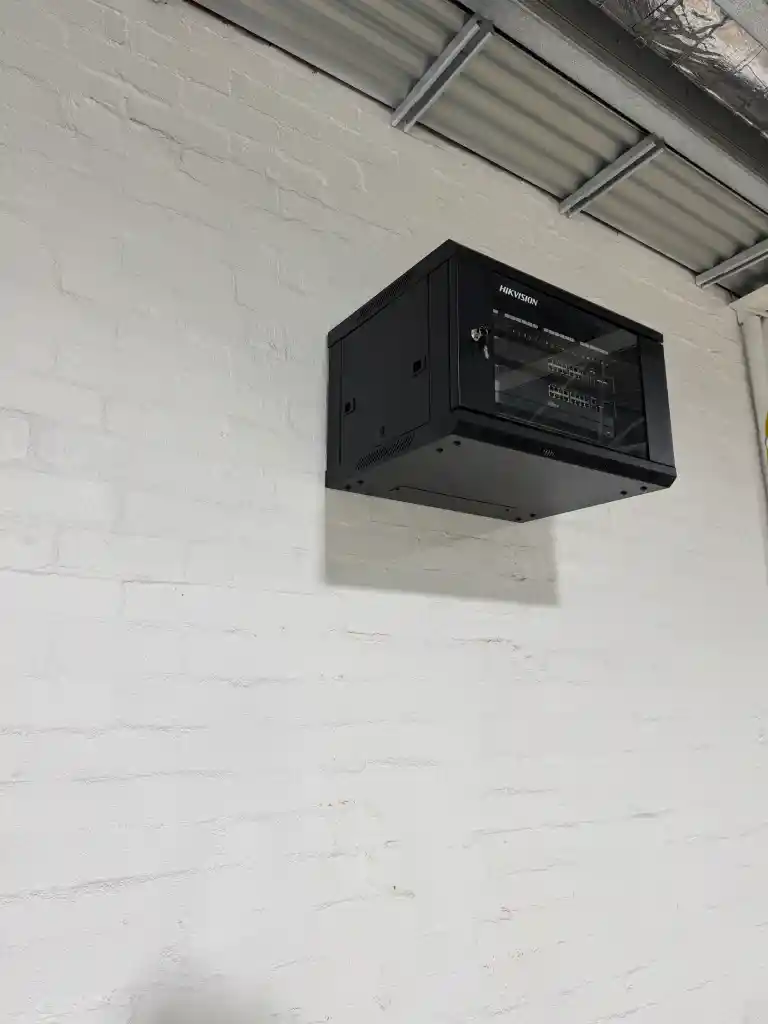
Ceiling mounted access points fed by cable, with a switch and cabinet behind them. What a mesh kit cannot do once the device count climbs.
Best for: Offices, warehouses, retail and multi-level buildings
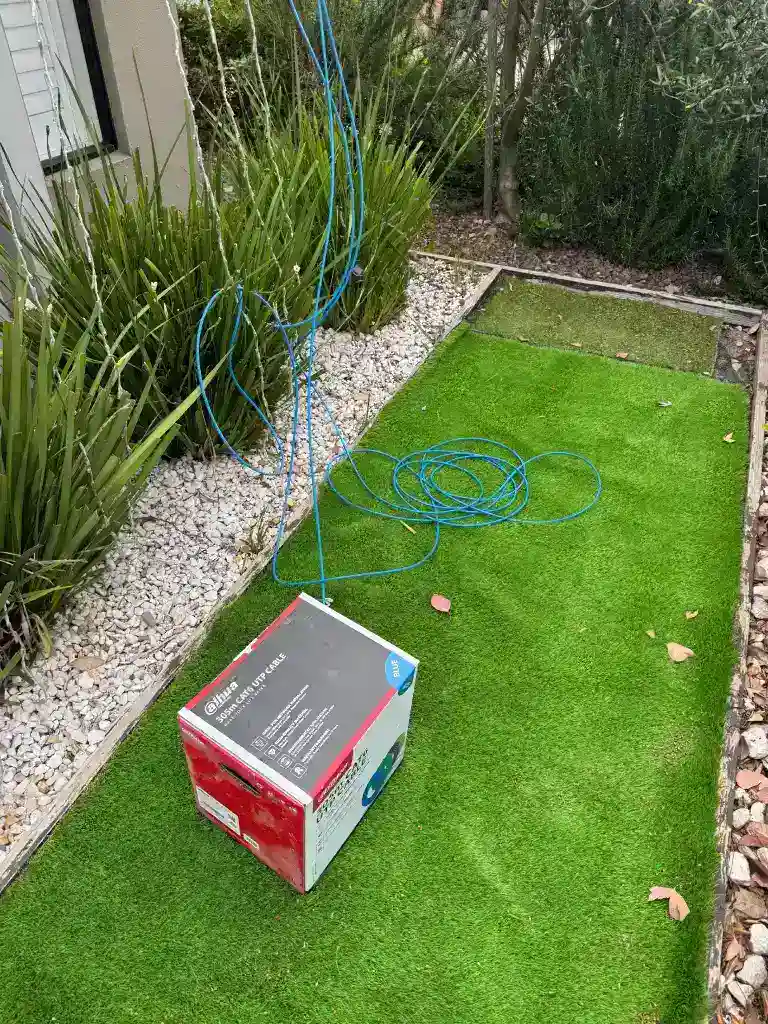
Data points run and terminated by an ACMA registered cabler. Backhaul is what gives every node full speed regardless of walls.
Best for: New builds, renovations and any multi-node system
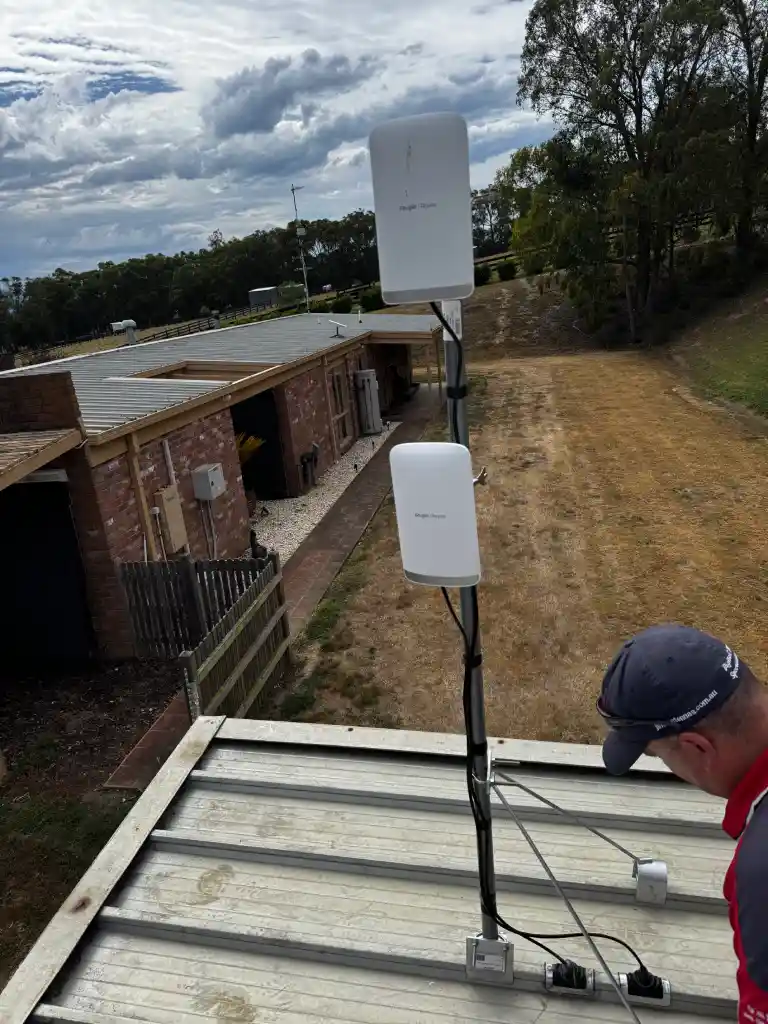
Carries the network to a shed, studio or second dwelling without digging a trench. Usually in within a day.
Best for: Acreage, granny flats, garages and outbuildings
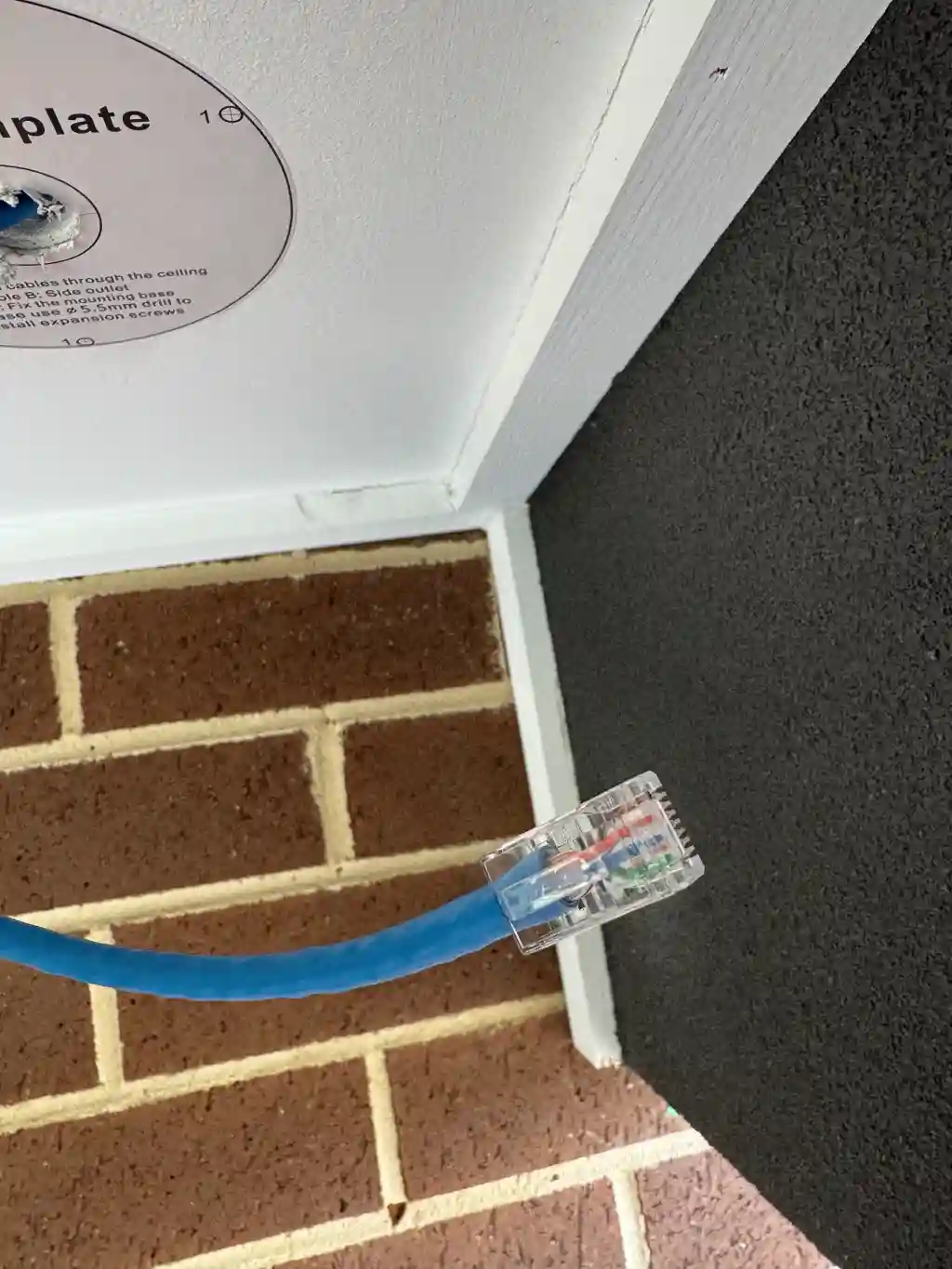
We work on systems others installed. Often the cabling and node positions can be reused, so you pay for hardware rather than a full reinstall.
Best for: Existing systems that have stopped keeping up
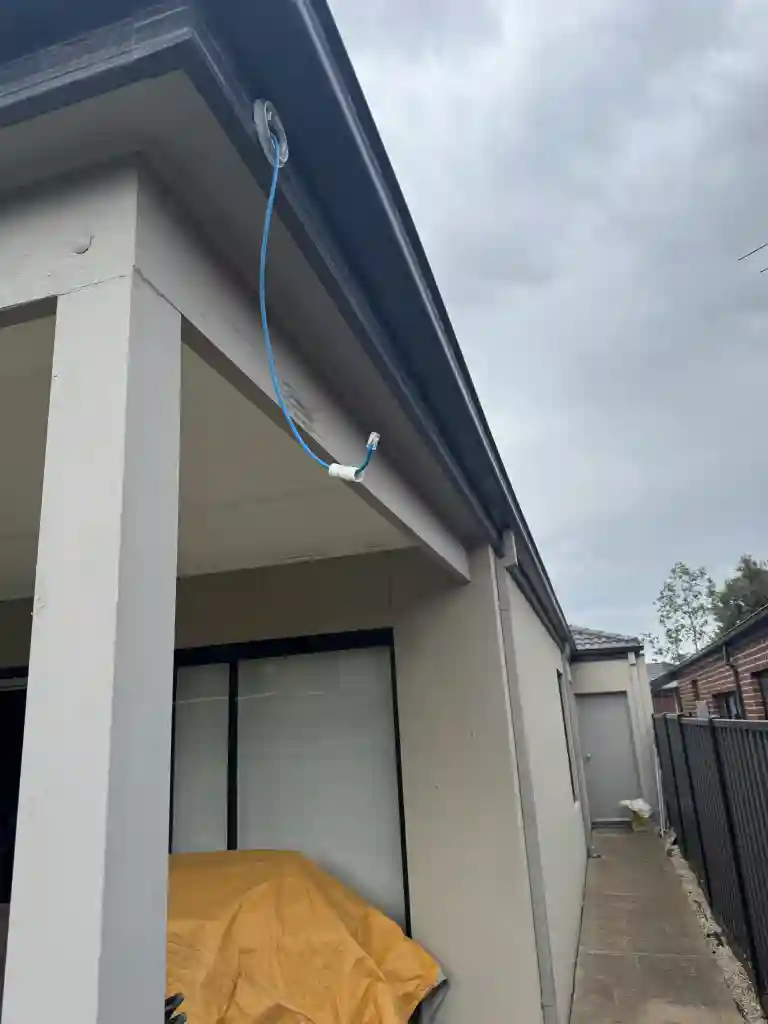
Outdoor rated units for decks, pools, yards and detached buildings, chosen for the distance and the construction between them.
Best for: Alfresco areas, pools, sheds and studios
The symptoms
Wi-Fi problems do not arrive suddenly. They creep in quietly, and none of these are plan problems. They are placement problems.
Weak signal through brick and plaster, plus a router sitting wherever the NBN outlet went.
Extenders repeat a weak signal and create a second network your phone switches to badly.
No traffic prioritisation and every device fighting for one radio.
Edge devices are the first to fall off a weak network. They need a node near them, not more power.
The plan was never the problem. A fast connection into a bad network is still a bad network.
No handover testing, no device migration, and nobody to call when it drifts.
That is why our installs stay fixed. Most of our callouts are correcting kits that were placed by guesswork, and in many of them the hardware was never the issue.
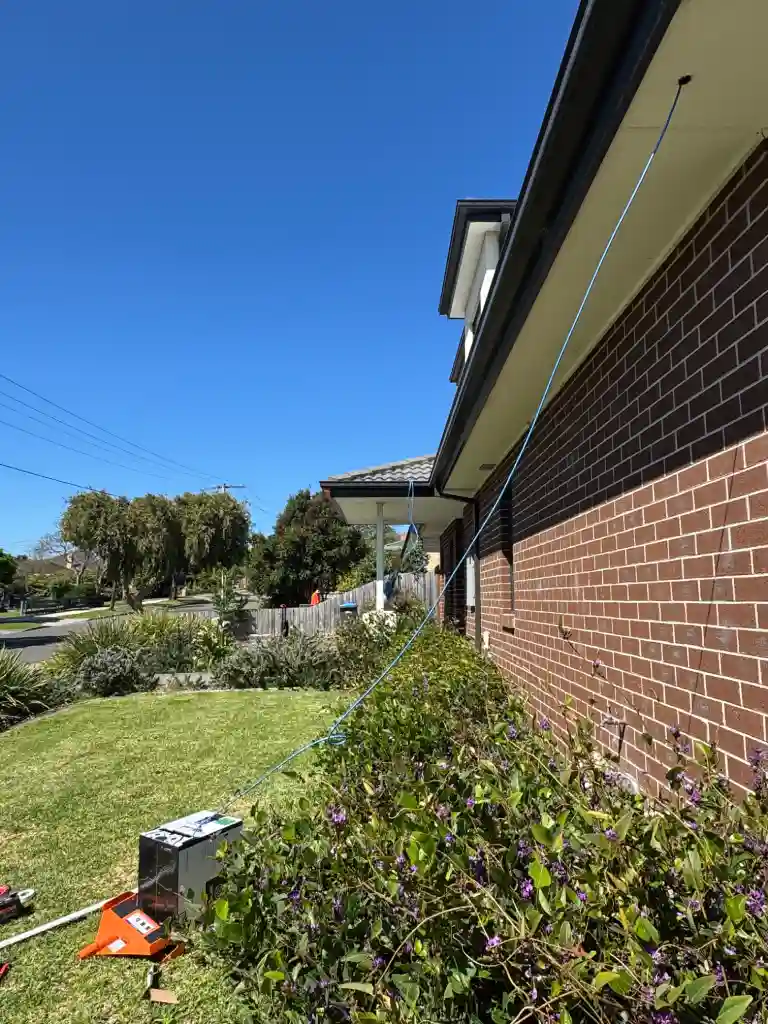
Mesh backhaul
Every home suits a different setup. Both work, and the decision is made by whether a cable route exists rather than by preference.
Choosing a system
The most common question we are asked. The honest cut off is around thirty devices or four units.
| Best for | Typical size | Hardware | Connection | |
|---|---|---|---|---|
| Mesh System | Homes and small offices | 2 to 4 nodes | Consumer hardware, app managed | Wireless or wired backhaul |
| Access Points | Business and large properties | 4 to 30+ units | Commercial hardware, centrally managed | Always cabled, PoE powered |
That is what the free assessment is for. We count devices, measure through your walls and tell you plainly. If a two node mesh will do the job we will not quote an access point system.
How it works
We measure signal through your actual walls, count devices and find the dead zones. Not a guess from a floor plan.
How many nodes or access points, where each one goes, and whether backhaul is worth cabling. Written, with a fixed price.
Hardware placed, cabling run by a registered cabler, network configured and every device migrated across.
We walk the property with you and test speed in each room before we call it finished.
Pricing
Priced on how many nodes or access points the property needs, whether backhaul cabling is required, and the hardware itself. Anyone quoting over the phone is guessing at your expense.
Most homes land between the Family Home and Large Home packages below. The exact figure is confirmed in writing after a free on site assessment, with nothing to pay if you decide not to proceed.
Double brick and two storey need more nodes than floor area alone would suggest.
Cabling each node gives full speed everywhere, but it has to be run and terminated.
Thirty devices behaves very differently to ten. This is what pushes a home toward access points.
A shed, studio or pool area needs an outdoor rated unit or a point to point link.
Where systems usually land
A guide to scale rather than a price list. What your property actually needs is confirmed at the assessment.
Best for: Single storey, three bedrooms
Best for: Two storey and double brick
Best for: Large blocks and smart homes
Best for: Offices, warehouses, retail
Node or access point count, hardware generation, backhaul cabling and outbuilding coverage all change the figure. Every quote is confirmed in writing after a free assessment.
Beyond the house
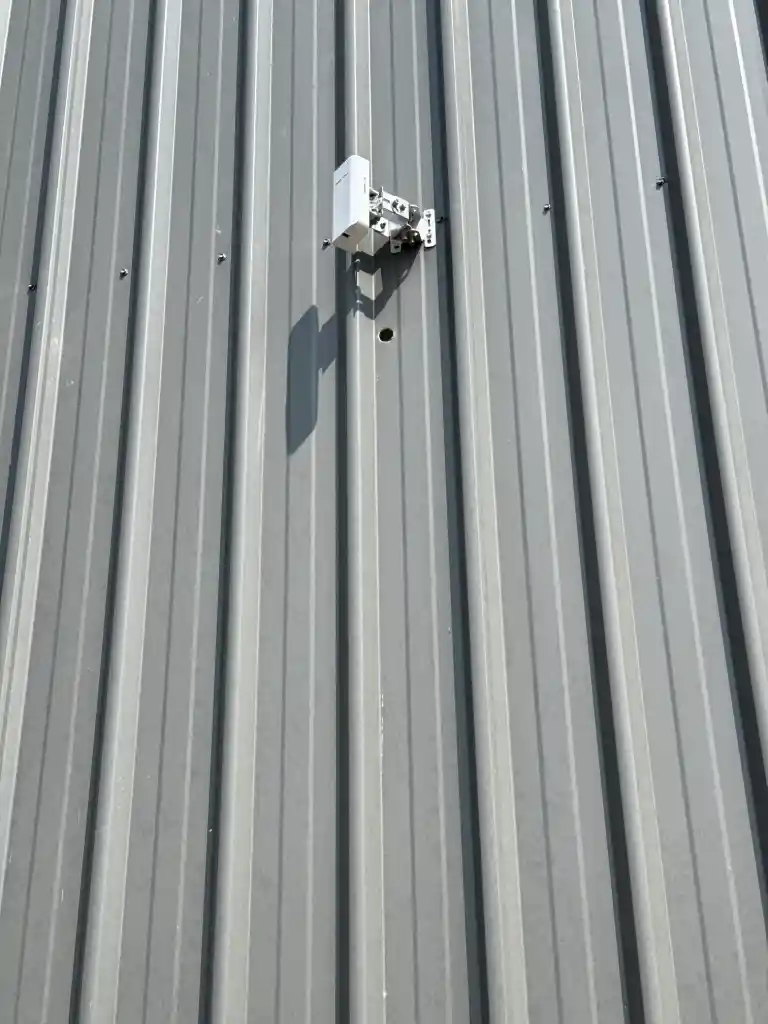
Coverage should not stop at the house wall. On most properties a detached building needs either an outdoor rated node or a small point to point link.
A wireless bridge carries the network building to building without trenching, and it will carry cameras as well as internet. On acreage this is usually cheaper and faster than running cable.
Hardware
Not tied to one manufacturer, so the hardware suits your property rather than our stock list.
Service area
In double brick homes across the eastern suburbs every week, and out to regional Victoria on scheduled runs.
Camberwell, Canterbury, Kew, Hawthorn, Balwyn and Glen Iris. Double brick specialists.
Box Hill, Doncaster, Templestowe, Blackburn and Surrey Hills, from our Nunawading office.
Toorak, Armadale, Malvern, Brighton and South Yarra. Large homes and smart home integration.
Glen Waverley, Mount Waverley, Wheelers Hill and Ringwood. Two storey homes and granny flats.
Richmond, Brunswick, Carlton, Reservoir, Ivanhoe and the northern corridor.
Geelong, Ballarat, Bendigo and the Yarra Valley on scheduled installation runs.
Questions
It is priced on how many nodes or access points the property needs, whether backhaul cabling is required, and the hardware. Most homes land between the Family Home and Large Home packages. The exact figure is confirmed in writing after a free on site assessment.
Most single storey homes need two and most two storey or double brick homes need three. Node count follows wall materials and layout more than floor area, which is exactly what the assessment works out.
Yes, clearly. Extenders repeat a weak signal, roughly halve your speed and create a second network your phone switches to badly. Mesh nodes share one name and hand devices over seamlessly. Most of our callouts are replacing extenders.
Mesh is consumer hardware designed for homes, managed from an app, and it can run wirelessly. Access points are commercial hardware, always cabled, powered over ethernet and centrally managed. Once you pass roughly thirty devices or four units, access points are the better answer.
Not legally for a plug in kit, and we will say that honestly. What a professional adds is placement measured against your actual walls, correct backhaul setup and a tested result. Any ethernet cabling for wired backhaul must be done by a registered cabler, which we hold under Licence T59216.
Yes, mesh sits behind any NBN connection type. In many homes the bigger win is moving the NBN modem, because a network fed from a garage cupboard starts at a disadvantage no matter what hardware you buy.
Most homes are finished in two to three hours including setup, device migration and testing. Homes with ethernet backhaul cabling may take half a day. Commercial access point systems are scoped individually.
Very much. Doorbells, cameras and smart speakers at the edges of a property are the first devices to drop on a weak network. Properly placed coverage keeps them online, and we install both sides of that.
Yes. An outdoor rated node or a small point to point link brings detached buildings onto the same network. We confirm which during the assessment based on distance and construction.
Yes, whoever installed it. Often the existing cabling and node positions can be reused, so you pay for modern hardware rather than a full reinstall.
Yes. Which generation is worth paying for depends on your devices. On a household still running older phones and laptops, spending the budget on placement and backhaul beats spending it on the newest standard.
Yes, and on any business install it is standard. Guests and staff on separate networks means a visitor device cannot reach your systems, and it is a condition of some insurance policies.
Not sure which system your property needs? A local technician will assess your layout, measure through your actual walls and design the right setup. Free, and obligation free.
Borderless Solutions. Licensed and insured. 81 Junction Rd, Nunawading VIC 3131. Monday to Saturday, 7:00 to 20:00.