
Starlink Installation Melbourne Licensed. Tested. Armed Right.
Borderless Solutions is a professional Starlink installer servicing Melbourne, Geelong
and regional Victoria roof, ridgeline and pole mounts with concealed cabling and
whole-home WiFi, for homes, acreage properties and businesses. Searching for a Starlink
installer near me? One site visit, one transparent quote, one licensed Starlink
technician from obstruction scan to final speed test.
- Registered Cabler T59216
- Official Starlink hardware
- Same week bookings available
- Melbourne, outer fringe & regional Victoria
- Master Licence Z67-511-50S
- Open now: Mon–Sat 7am–8pm
Limited Time Offer: Save 20% on Installation!
Registered Cablers
ACMA-compliant installs
2000+ Installations
Completed across Melbourne
AS/CA S009
Cabling to Australian standards
24hr Online Estimates
Free on-site assessment
12+
Years Industry Experience
100%
Client Satisfaction
Starlink Installed Around Melbourne Properties
Every roofline is different, so the mount, the cable path and the router position are designed around your property first and then quoted in writing. A Starlink dish that has been placed correctly high, level and with a clear view of the northern sky will hold a stable connection through video calls, cloud backups and 4K streaming for years. A dish balanced on a windowsill or screwed to the wrong side of the roof will drop out every time a tree moves, which is exactly the problem a professional Starlink installation exists to solve.
Double-storey home
Ridgeline mounting at the highest safe point of the roof, with the cable dropped inside the wall cavity by registered cablers so nothing is stapled along your fascia or fed through a window.
Acreage & rural block
A ground pole or elevated mast positioned clear of tree lines, with a long buried or aerial cable run back to the house and a wireless link out to sheds and studios if you need it.
NBN blackspot home office
A clean roof mount with the router placed where you actually work, ethernet to your desk, and Starlink configured as your primary connection or as automatic failover behind the NBN.
Business & construction site
Flat High Performance hardware on a non-penetrating mount, priority data plans, and same-day internet for site offices, pop-up retail and premises the NBN hasn’t reached.
Types of Starlink Installations We Do
A weatherboard in Warrandyte surrounded by mountain ash has completely different requirements to a townhouse in Doncaster. We assess your roof, your sky view and your walls, then recommend one of the installation types below.
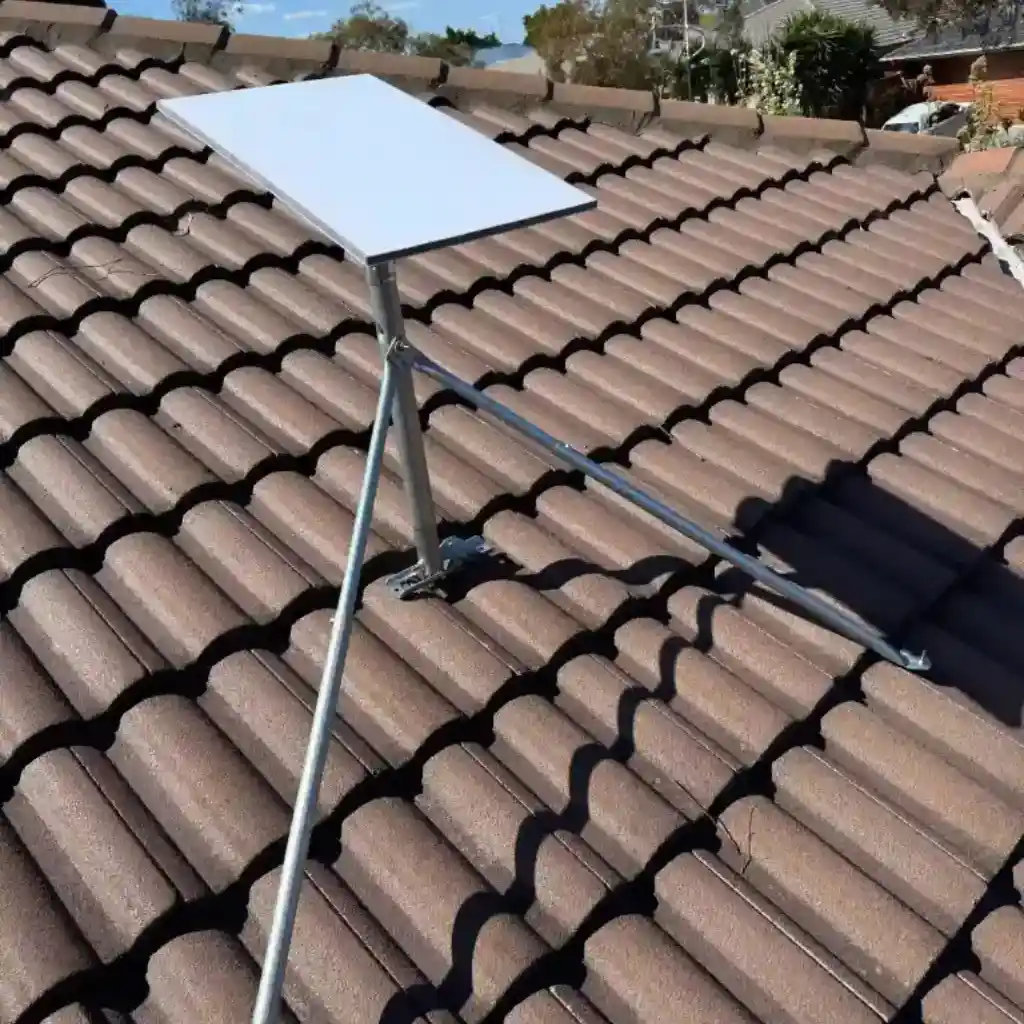
Standard roof mount
The Gen 3 dish fixed to the roof or ridgeline with a genuine Starlink mount, cable routed neatly into the roof cavity and terminated at a wall plate.
Best for:
Suburban Homes – Clear Sky View
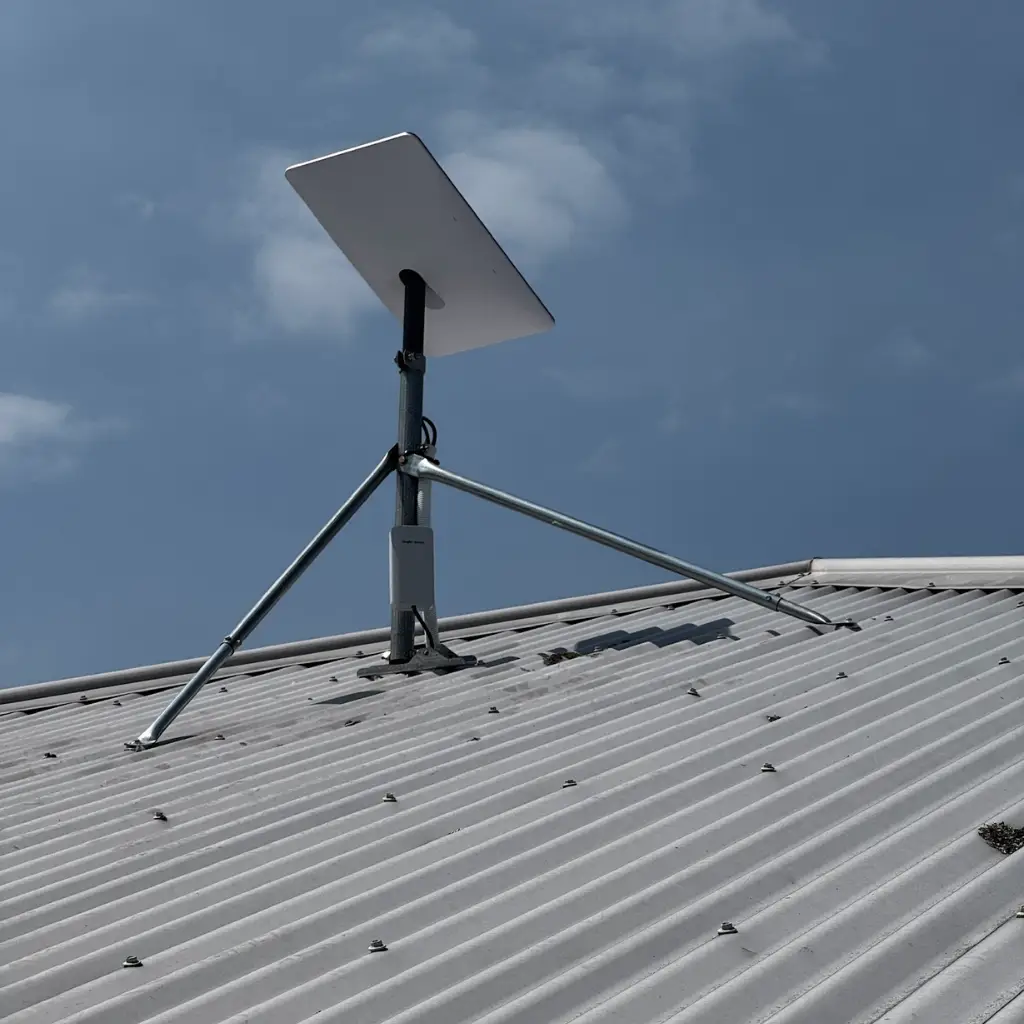
Pole & elevated mast mount
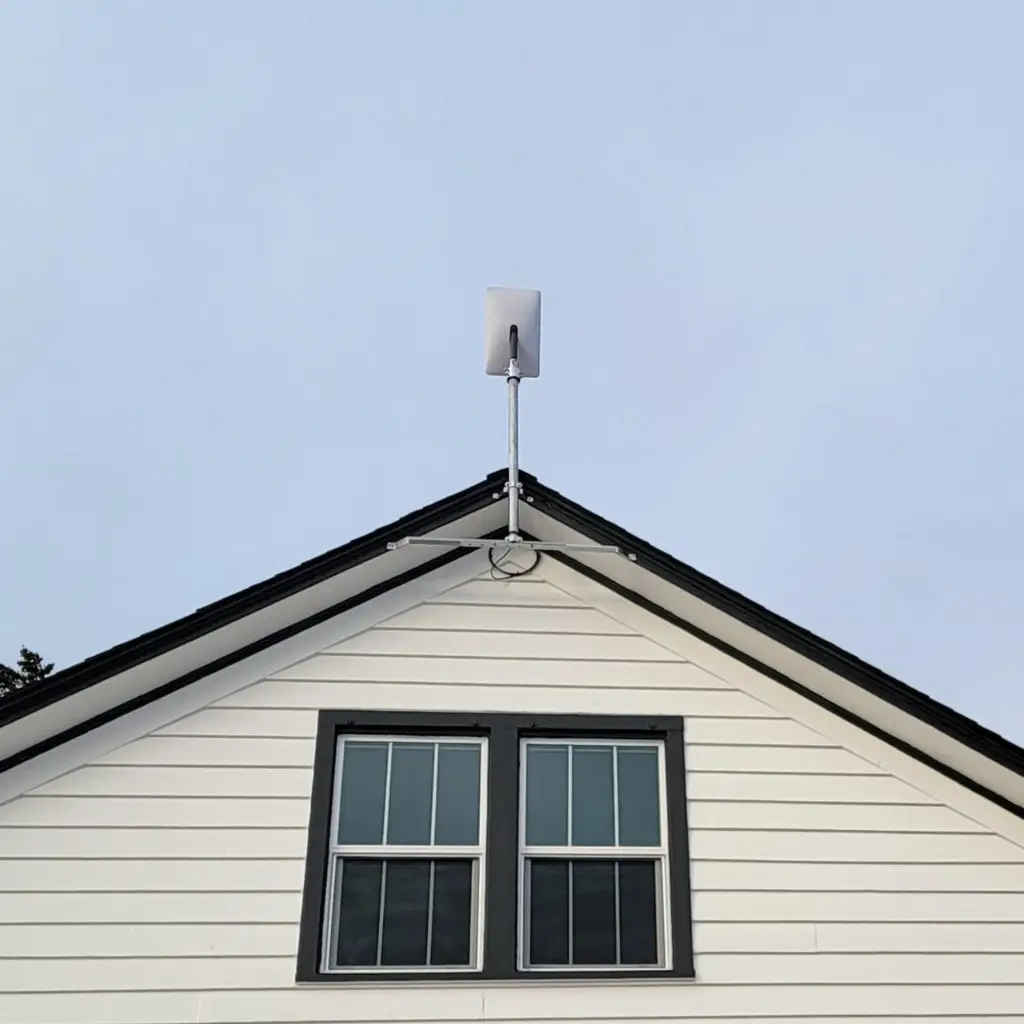
A ground pole, gable mast or elevated mount that lifts the dish above tree lines and neighbouring rooflines where a standard roof position would face obstructions.
Best for:
Tree-Heavy Blocks, Ranges & Hinterland
Concealed premium install
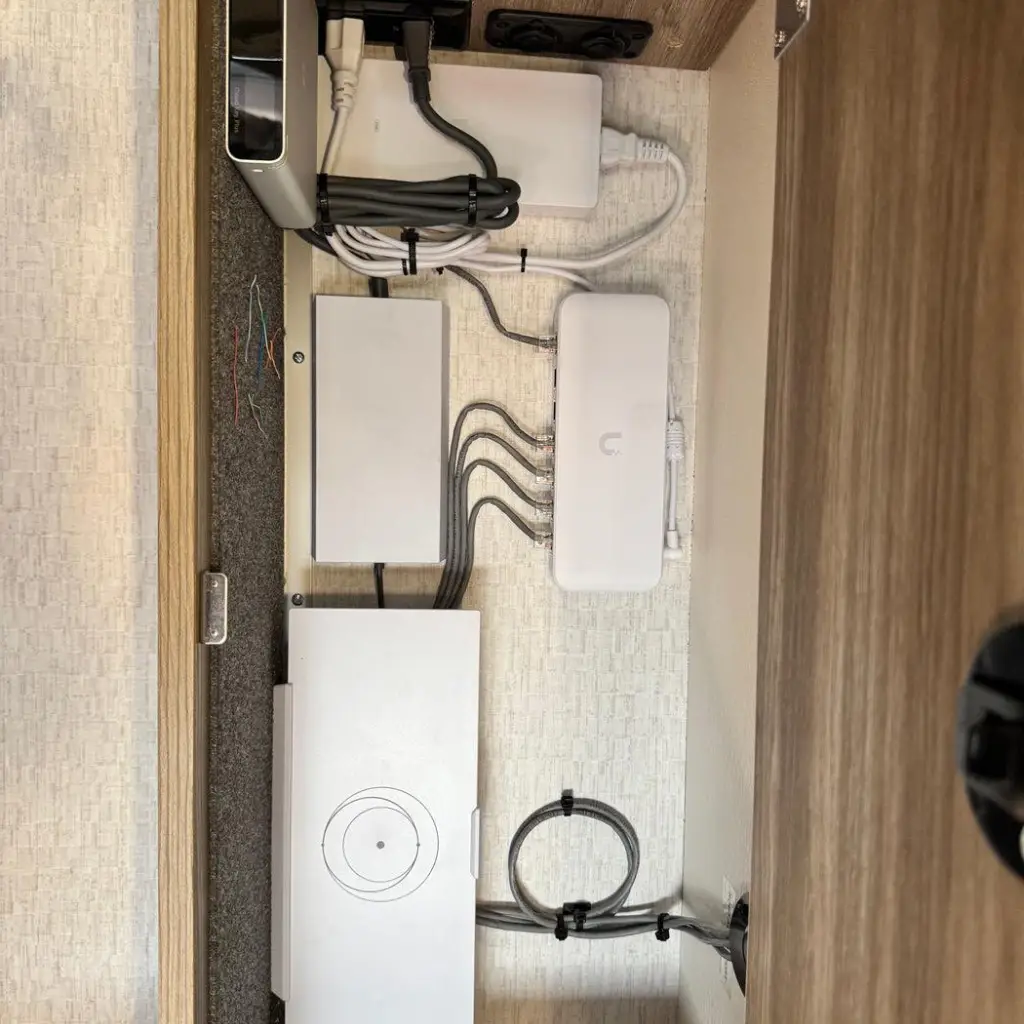
In-wall cable runs, painted conduit where cavities aren’t accessible, and zero visible cabling the install disappears into the house.
Best for:
Architect Homes, Double-Brick & Render
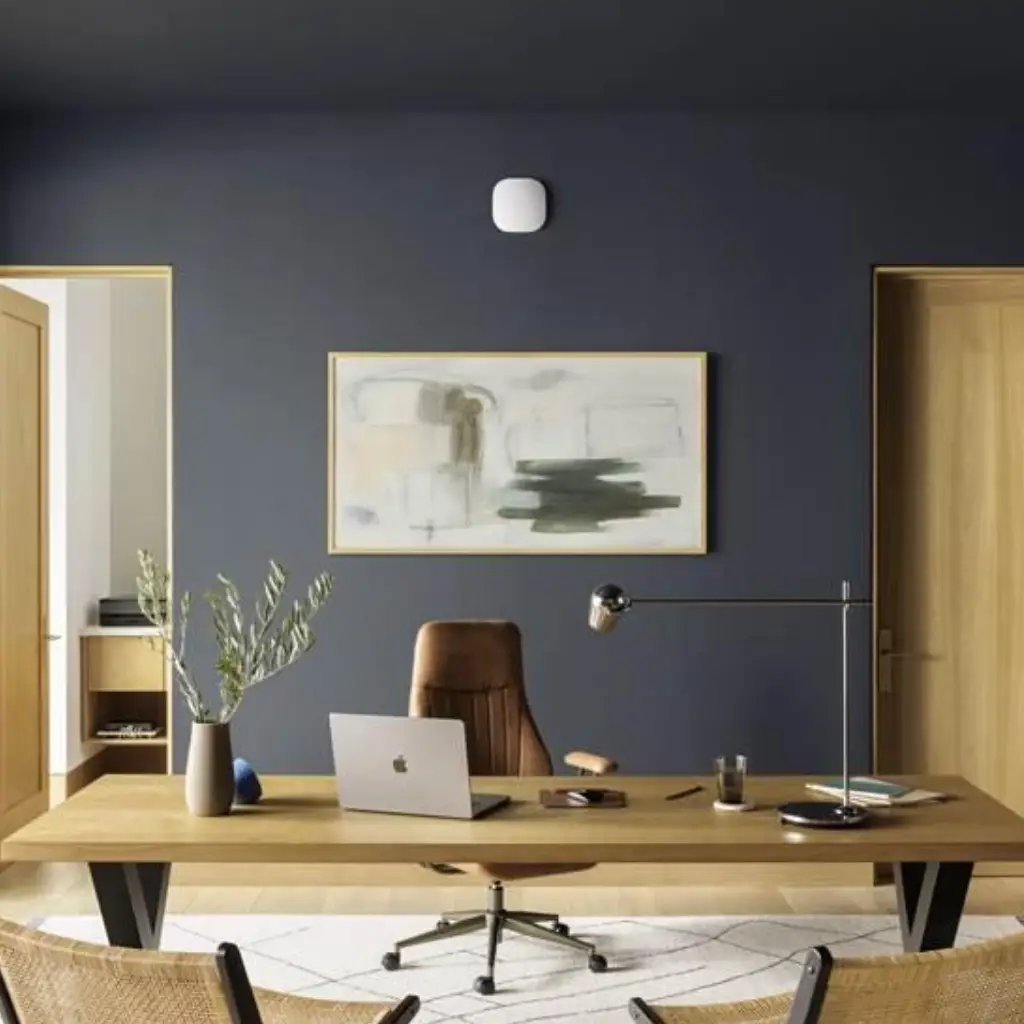
Starlink + whole-home WiFi
The dish install combined with a mesh WiFi system or hardwired access points so the speed you’re paying for actually reaches every room.
Best for:
Double-Storey, Home Offices & Open Plans
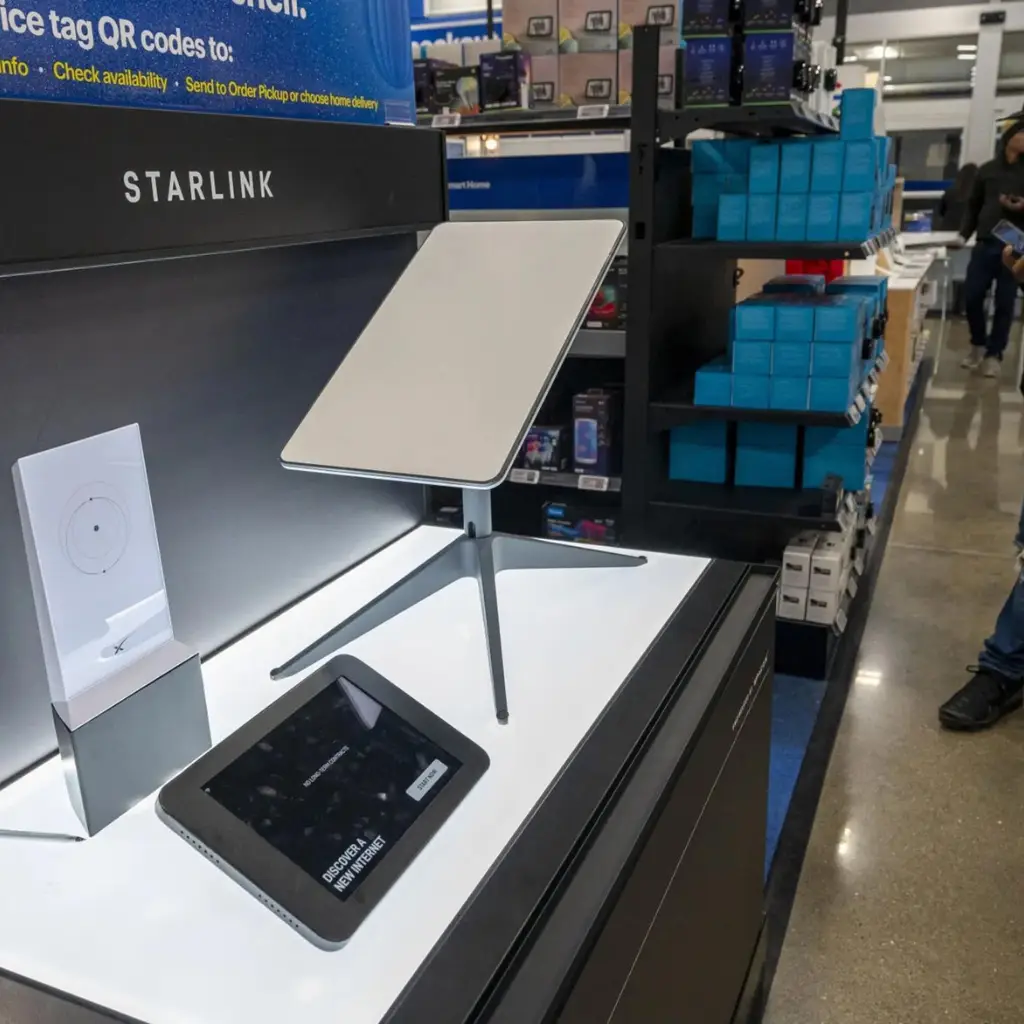
Business & site internet
Flat High Performance hardware, priority plans and rapid deployment for offices, retail, medical suites and construction site sheds.
Best for:
Commercial, Construction & Pop-Ups
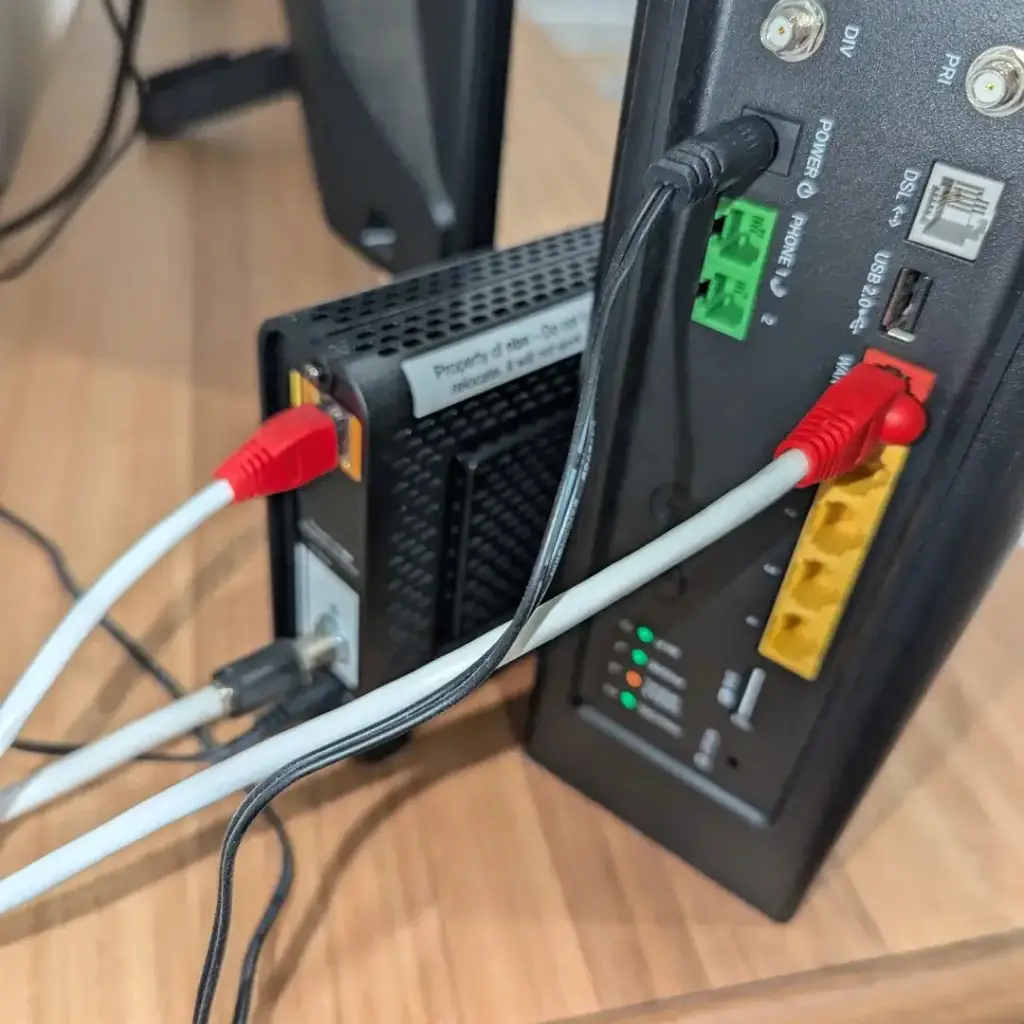
NBN failover setup
Starlink configured alongside your existing NBN connection with automatic switchover, so a street-level outage never takes your business or CCTV offline.
Best for:
For Business, Security & WFH
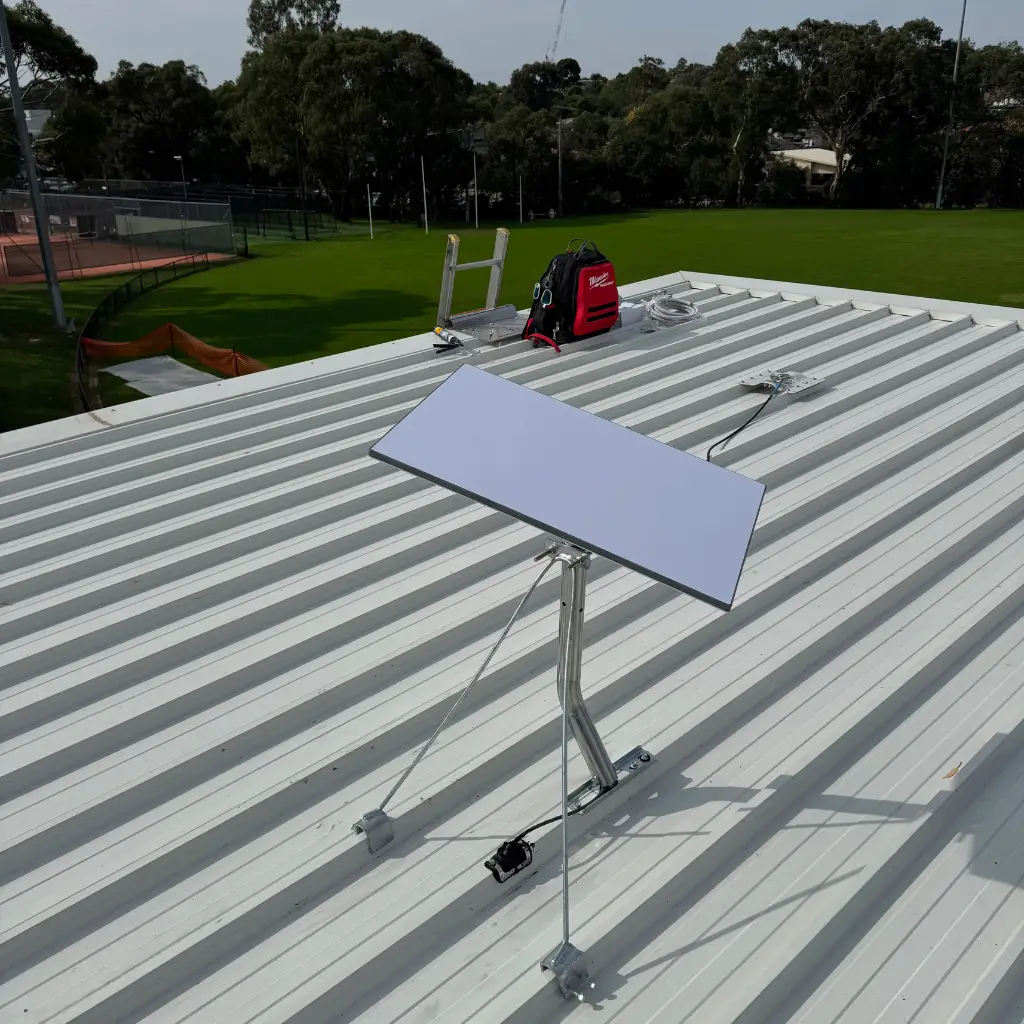
Dish Alignment and Positioning
Starlink configured alongside your existing NBN connection with automatic switchover, so a street-level outage never takes your business or CCTV offline.
Best for:
For Business, Security & WFH
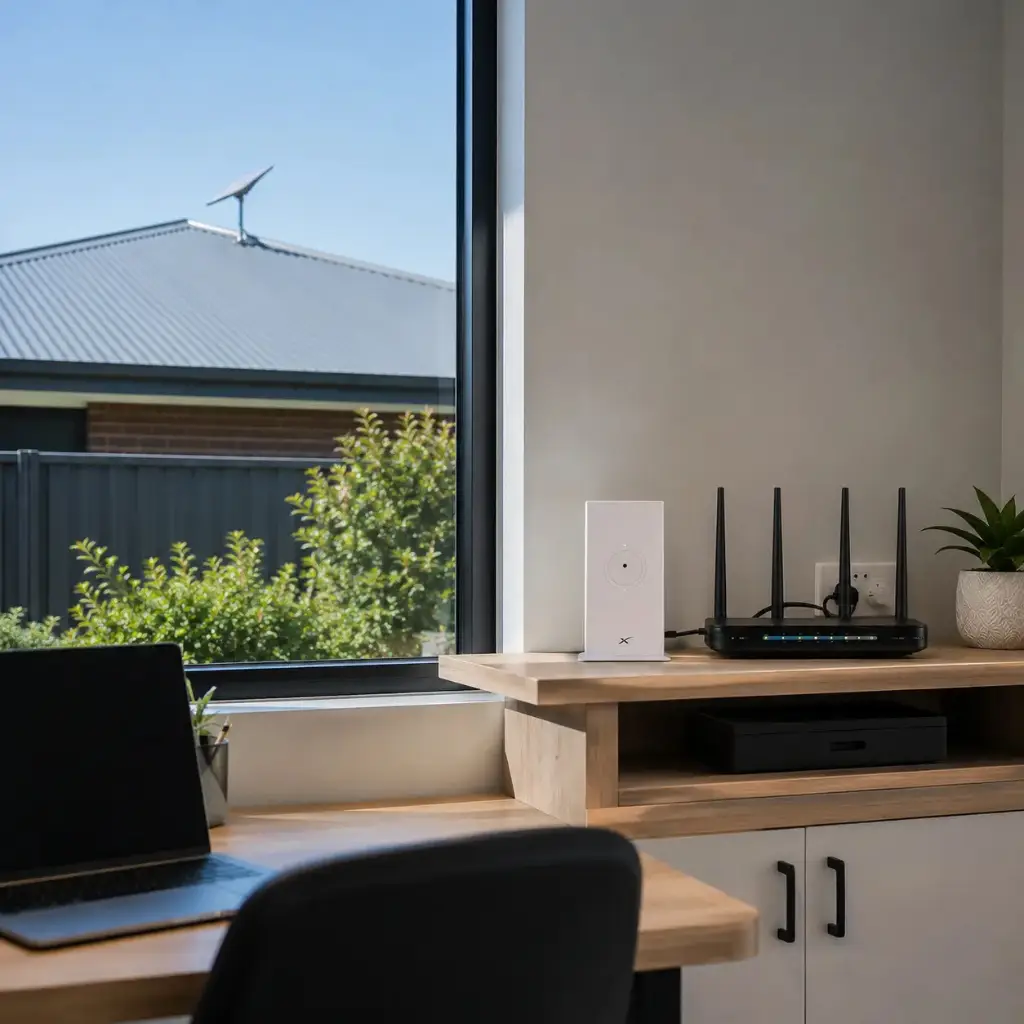
Modem and Router Configuration
Starlink configured alongside your existing NBN connection with automatic switchover, so a street-level outage never takes your business or CCTV offline.
Best for:
For Business, Security & WFH
What’s In a Professional Starlink Setup
What’s the most important part of a Starlink installation? Placement. The dish self aligns, but it can’t see through gum trees, chimneys or a neighbour’s second storey which is why we run a full obstruction scan from your actual roof before a single hole is drilled.
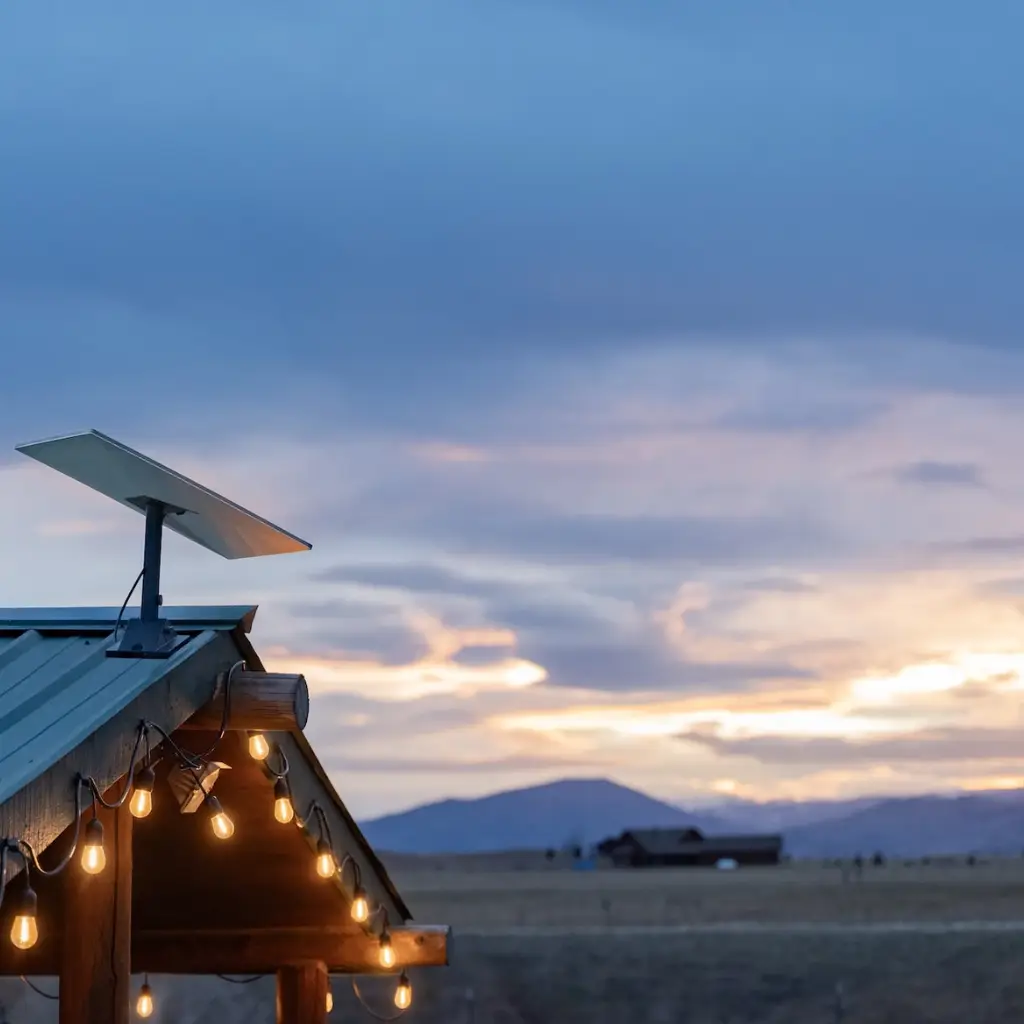
Main Components
Starlink Gen 3 dish
The antenna itself; motorised self-alignment to SpaceX’s low Earth orbit satellites.
Genuine mounts
Ridgeline, pivot, pole, gable and non- penetrating flat roof mounts, matched to your roofline.
Weatherproof cable entry
Sealed gland or cavity entry so the cable run never becomes a leak point.
Starlink router
Positioned centrally for coverage, not just wherever the cable happens to end.
Ethernet adapter
Hardwired connections for your desk, TV, or security recorder.
Third-party router (bypass mode)
Ubiquiti or TP-Link hardware for homes and businesses that need more control than the stock router
Surge protection & UPS (optional)
keeps the dish powered and protected through Melbourne storm season.

Advanced options available
- Mesh WiFi integration for full-home coverage
- Hardwired ethernet runs to offices and media rooms
- Automatic NBN/Starlink failover
- Point-to-point wireless links to sheds & second buildings
- Priority data configuration for business plans
- CCTV and alarm connectivity over Starlink
Our Starlink Installation Process
Free site & sky assessment
A technician checks your roofline, runs an obstruction scan and identifies the one mounting position that will hold a stable connection year-round.
Mount & cable plan, quoted in writing
You get an itemised written quote covering the mount, the cable path, the router position and any WiFi work no hidden fees, no surprises on the day.
Installation & activation
Dish mounted, cabling concealed, router configured and the service activated in your Starlink account most homes are done in 2–4 hours.
Speed test & handover
We run live speed tests, walk the house checking WiFi in every room, set up the app on your phone and hand over a connection that just works.




Starlink Installation Packages | Priced Upfront
How much does Starlink installation cost in Melbourne? Most homes land between the Standard and Premium packages below mounting hardware, installation and commissioning by a licensed Victorian technician, all inclusive. The Starlink kit and monthly plan are billed by Starlink directly; our pricing covers professional installation. Exact figure quoted in writing after a free assessment.
Standard Roof Mount
installed
Confirm price with team
- Genuine roof
- Ridgeline mount
- Sealed cable entry
- Router setup
- Speed test
Best for:
Single storey homes, clear sky view
Premium Concealed
installed
Confirm price with team
- Everything in Standard
- In-wall concealed cabling
- Wall plate
- Ethernet adapter
- Router placed for coverage
Best for:
Multi level coverage
Business & Rural
installed
Confirm price with team
- Flat High Performance mounting
- Long cable runs
- Priority plan configuration
- Optional NBN failover
- Optional link to sheds site buildings
Best for:
Indoor/outdoor coverage
Whole-Home WiFi
installed
Confirm price with team
- Everything in Premium
- Mesh WiFi system (2–3 nodes)
- Whole home walk test
- App setup on all devices
- Priority support
Best for:
Whole home coverage
Monitoring Options
Professional Installation vs DIY Self Install
Starlink ships as a self-install kit, and for a paddock with a clear horizon that can be fine. In Melbourne’s suburbs trees, two storey rooflines, tiled roofs and rendered walls the difference between the two approaches shows up within the first month. Here’s the honest breakdown.
Professional Installation
Recommended
Dish position
Obstruction-scanned from the roof and mounted at the one position with a clear sky view year-round.
Cabling
Concealed in wall cavities by registered cablers, sealed against weather, compliant with AS/CA S009.
Reliability
Stable through wind and storms; mount rated for the roof type; dropouts traced and fixed before handover.
WiFi coverage
Router positioned for the floor plan, with mesh or ethernet added where the house needs it.
Safety & roof
Insured technicians, correct fixings for tile, tin and Colorbond, no cracked tiles or leak points.
Our recommendation for the majority of Melbourne properties.
DIY Self-Install
Alternative
Dish position
Usually wherever is reachable with a ladder balconies, windowsills and low eaves that face obstructions.
Cabling
Cable through a window or under a door a permanent draught, a chew point for pests and a warranty question.
Reliability
Micro dropouts every time trees move through the beam path fine for browsing, brutal for video calls.
WiFi coverage
Router sits at the cable entry point often a garage or laundry and coverage dies two rooms away.
Safety & roof
Working at heights on your own roof, with penetrations you’re sealing yourself.
Hardware We Supply & Install (replaces the alarm-brand strip)
Premium routers, access points, switches, and cabling installed for full coverage, speed, and reliability across multi-level homes, offices, and large properties.
Starlink Standard (Gen 3)
He current generation dish for homes and small offices.
Starlink Flat High Performance
Wider field of view and priority-plan support for business and site installs.
Genuine Starlink mounts
Ubiquiti & TP-Link networking
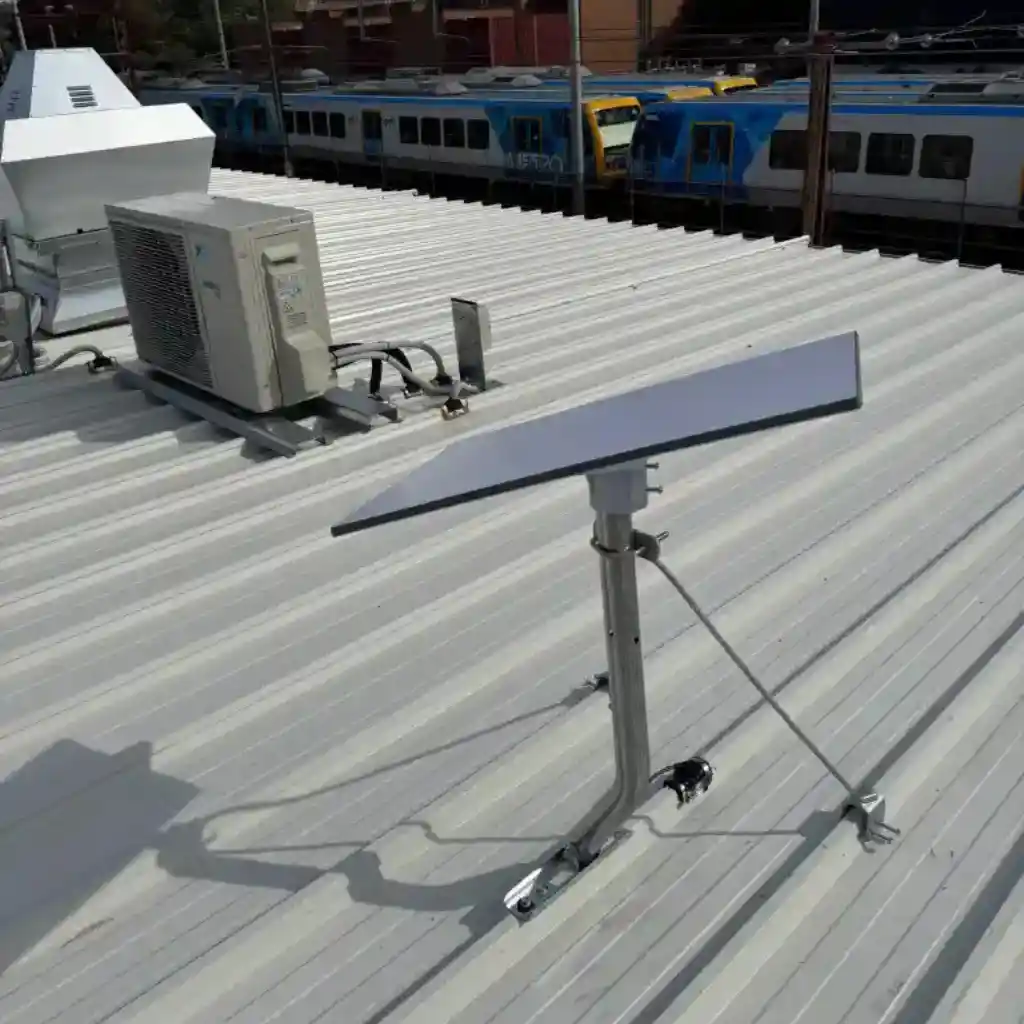
Why Most DIY Starlink Setups Disappoint
Most people call us after they’ve already tried it themselves. The stories repeat.
It drops out every afternoon when the wind picks up.
The app says obstructed but there’s nowhere else I can reach.
The cable comes in through the laundry window
Speed test says 250 Mbps but the upstairs office gets 12.
None of those are Starlink problems the network above Melbourne is excellent. They are installation problems: the wrong mounting position, the wrong cable path and a router in the wrong room. A dish that has been scanned, mounted high and cabled properly simply doesn’t behave like that, and that’s the job we do every week.
What Our Clients Say
“Borderless Solutions sorted our Starlink and WiFi in one visit dish on the ridgeline, no visible cables, and full speed in every room. No pressure, just honest advice and a tidy install.”
Posted on Google
 Vani Pandya
Trustindex verifies that the original source of the review is Google.
We recently had Borderless Solutions install a Starlink kit at our office, and the experience was excellent from start to finish. Their team was prompt and professional throughout, and they accommodated our specific requests without any hassle. Would definitely recommend them for anyone looking for reliable, professional service.Posted on Google Stephen BoutlandGreat service from borderless team ,happy to recommend them for your security services products and installationPosted on Google
 irena mSam from Borderless SOLUTIONS was knowledgeable, set up my WiFi and helped me to connect all my devices to the new router. I am recommending this service.Posted on Google
 Caroline CondickCommunication was perfect ,there was troubles whether the electrical part went in roof or hallway ,he pushed through those challenges ,once installed he stayed back to help us setting up A plan and install apps on our phones then turning on tv and boom Netflix worked in 2 seconds yay So yes highly recommend this companyPosted on Google
 Lisa ConlonWe used Borderless Solutions for our warehouse project in Ringwood. They provided security alarm, camera, intercom and internet solutions. Their work was spotless and professional. Don’t trust electricians for this sort of job. We’re now receiving after-sales tech support from Borderless Solutions and they’re incredibly responsive. We highly recommend them for anyone looking for reliable trustworthy and affordable technicians. Thanks again.Posted on Google
 Mike GoodluckSuper service and improve our internet connection by a long way 😁 l would recommend their service to anyonePosted on Google
 Colin WarnerWhat excellent service I received from Sam in evaluating our wifi mesh system needs. Same day service, professional advice, friendly service and a high grade, cost effective wifi solution. Couldn't ask for better. Thanks Sam and Borderless Solutions.Posted on Google
 Anna petropoulosDone a great jobPosted on Google
 Chrisanthi PachosHighly recommendedLoad more
Time to Upgrade?
Signs It’s Time to Switch to Starlink
If your current connection ticks more than two of these boxes, Starlink will almost certainly outperform it and in most Melbourne homes the changeover is done in a single morning, with your existing setup left running until the new connection is tested.
- Fixed wireless NBN that slows to a crawl every evening
- Sky Muster satellite with lag on every video call
- No NBN available at your block, or a quote in the thousands to connect it
- Dropouts every time it rains
- Working from home on a connection you can’t rely on
- Uploads so slow that cloud backups never finish
- A business or site office waiting weeks for a connection
- CCTV or alarm monitoring that needs an always-on link
1300 520 116
Request Your Free Quote
Licensed technician will contact you within 24 hours.
Check Our Service Areas
Starlink demand is strongest where the NBN is weakest, so this page leads with the fringe and hinterland rather than the inner city while keeping the wealthy eastern suburbs from our Tier 2 lead strategy.

Yarra Valley & The Ranges
Warrandyte, Park Orchards, Wonga Park, Monbulk, Olinda, Healesville and the Dandenong Ranges tall-tree blocks where pole mounts and elevated masts earn their keep.
Eastern Suburbs
Box Hill, Doncaster, Ringwood, Blackburn, Balwyn and surrounds serviced from our Nunawading office for fast response.
North & Macedon Fringe
Whittlesea, Mernda, Doreen, Gisborne, Riddells Creek and Sunbury’s rural edge new estates and acreage the NBN hasn’t caught up with.
Mornington Peninsula Hinterland
Red Hill, Main Ridge, Merricks, Flinders and Arthurs Seat holiday homes, vineyards and rural properties.
West & Growth Corridors
Melton, Bacchus Marsh, Werribee South and the market-garden belt long cable runs and site internet for builders.
Regional Victoria
Geelong hinterland, Ballarat, Bendigo and beyond enquire for scheduled installation runs.
Common Questions
Starlink FAQs — Melbourne
- System is more than 10 years old
- Frequent false alarms that can't be resolved
- Panel no longer supported by manufacturer
- No app-based remote access
- Communicator still uses a PSTN landline
- Monitoring centre raised prices significantly
Still have questions?
Our licensed technicians are happy to answer any alarm or security query no obligation.
1300 520 116
Mon–Sat 8am–6pm
Do I need a professional to install Starlink in Melbourne?
Starlink is sold as self-install, but any cabling that runs inside your walls or roof cavity must legally be performed by a registered cabler under ACMA rules and mounting the dish means working at heights on tile or tin. Borderless Solutions holds Cabler Licence T59216, so the whole job, from roof to wall plate, is done legally, safely and to AS/CA S009.
How much does Starlink installation cost in Melbourne?
Professional installation typically ranges from $399 for a standard roof mount to around $1,299 for a concealed install with whole home mesh WiFi, with acreage pole mounts and business installs quoted to the site. The Starlink kit and monthly service are billed by Starlink directly. We inspect first and quote in writing, so you get an accurate price, not an estimate call 1300 520 116.
How long does Starlink installation take?
Most residential installations are completed in 2–4 hours, including mounting, cabling, activation and a full speed test in every room. Pole mounts with long cable runs and business installs can take half a day to a full day, and we confirm the timeframe in your written quote.
Will trees around my property stop Starlink from working?
Trees are the single biggest cause of Starlink dropouts in Melbourne’s east and the Ranges, but they’re rarely a dealbreaker the fix is height and position, not luck. We run an obstruction scan from your actual roofline before quoting, and where a roof position won’t clear the canopy we’ll recommend a gable mast or ground pole that will.
Is Starlink better than NBN in Melbourne?
For homes on fibre (FTTP) the NBN is usually the better everyday value, but for fixed wireless, Sky Muster satellite and unserviced blocks, Starlink is typically faster, more consistent and quicker to get connected. Many of our clients run both, with Starlink as the primary or as automatic failover. Our full Starlink vs NBN comparison on the blog breaks down speeds, latency and costs.
Can Starlink run my CCTV cameras and alarm monitoring?
Yes — Starlink comfortably supports IP camera streams, remote CCTV viewing and app-based alarm monitoring, and with a failover setup your security system stays online even if one connection drops. As Melbourne’s only crew licensed for both security and cabling, we regularly install Starlink and CCTV as a single system.
Will the WiFi reach my whole house?
The Starlink router is capable, but no single router covers a double-storey Melbourne home from the garage. We position the router for your floor plan and, where needed, add a mesh WiFi system or hardwired access points in the same visit, then walk-test every room before handover.
Can you connect my shed, studio or second building to Starlink?
Yes. Rather than a second subscription, we extend your Starlink connection with a point-to-point wireless link or a cabled run, giving sheds, granny flats and site offices the same full-speed connection as the house.