
Moving House: Security and Connectivity Checklist
What to sort before settlement, what the previous owner leaves behind that you cannot use, and the two things people always discover too late.
- What to do before settlement
- Inherited systems, keep or replace
- NBN and internet timing
- Access nobody can account for
The timing problem
Two Things People Discover Too Late
The first is access. You get the keys at settlement, but you have no idea how many copies exist. Previous owners, tradespeople, a cleaner, a house sitter and whoever had the property before them.
The second is the internet. People arrange the connection for moving day and discover the outlet is in the garage, or the previous owner took the modem, or the house has an NBN type they were not expecting.
Both are cheap to handle in the fortnight before settlement and expensive to handle in the week after, when everything else is also happening.
Twenty minutes tells you what the existing system is, whether it is worth keeping, where the internet actually enters, and what needs doing before you move in rather than after.
The checklist
Eight Things to Sort Around Settlement
In rough order of when they matter.
Before settlement: find out what is there
Ask the agent what security system is installed, whether it is monitored, and whether the codes will be handed over. Half the time the answer is that nobody knows, which is itself useful information.
Before settlement: check the internet situation
Which connection type, where the outlet is, and whether the previous owner is taking the equipment. If the outlet is in the wrong room, that is a job to book now rather than discover on day one.
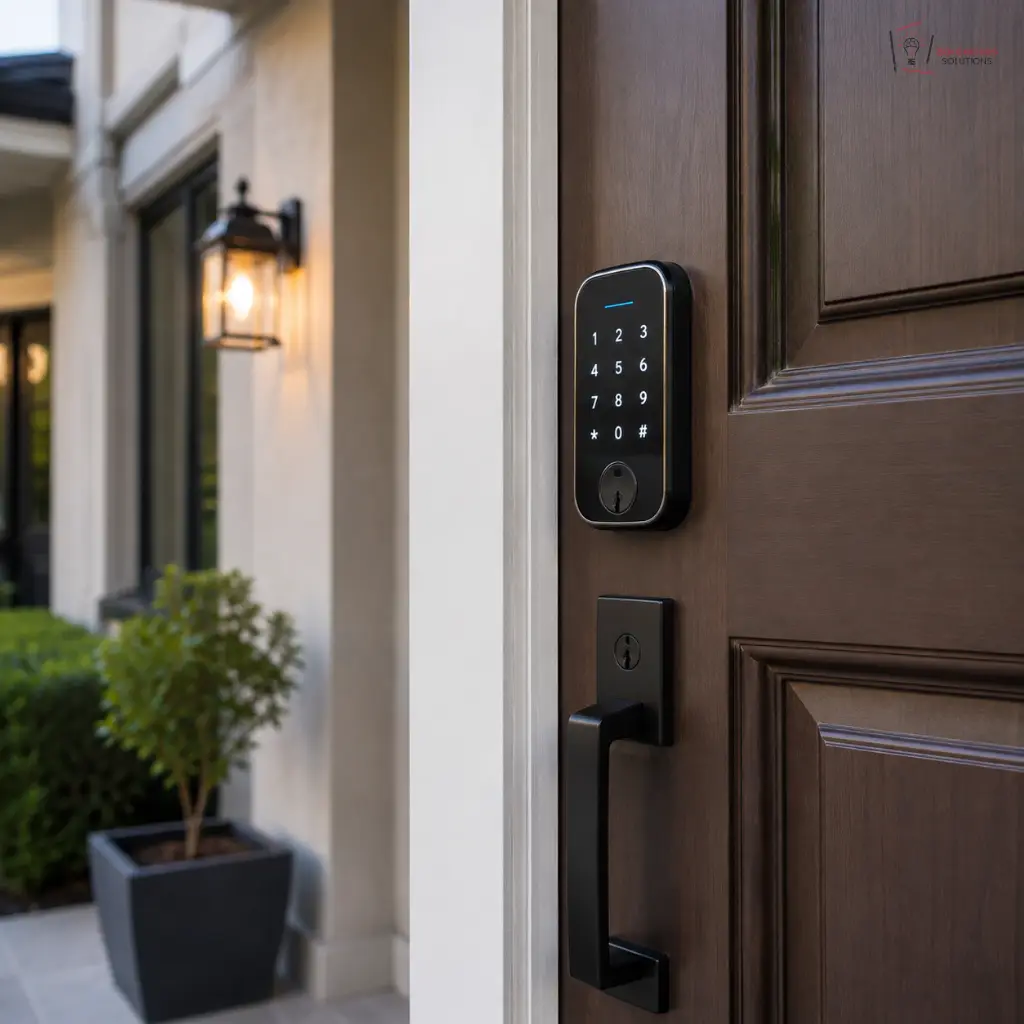
At settlement: change every access credential
Rekey or replace locks, change alarm codes, and reset any smart lock to new credentials. Whatever existed before, assume copies exist.
At settlement: check the alarm actually works
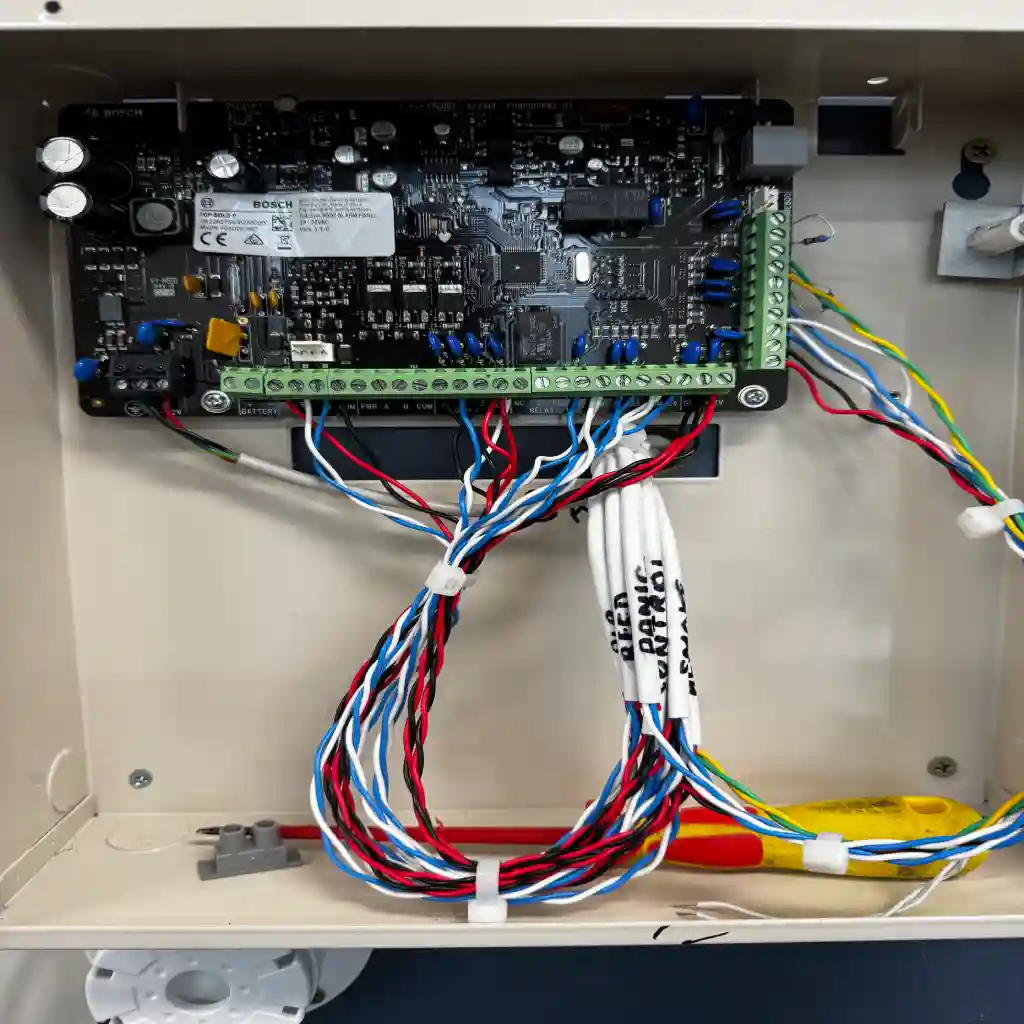
An inherited alarm with a flat backup battery, a disconnected phone line or no monitoring contract is decoration. It takes one service visit to find out which.
First week: arrange monitoring if you want it
Monitoring contracts do not transfer automatically. If the previous owner had it, it ended with them. If you want it, it is a new arrangement.
First week: work out the network before adding devices
A router in the garage will not cover the house no matter what you plug into it. Sort the network position first, then add cameras and smart devices to it.
First month: decide on the inherited cameras
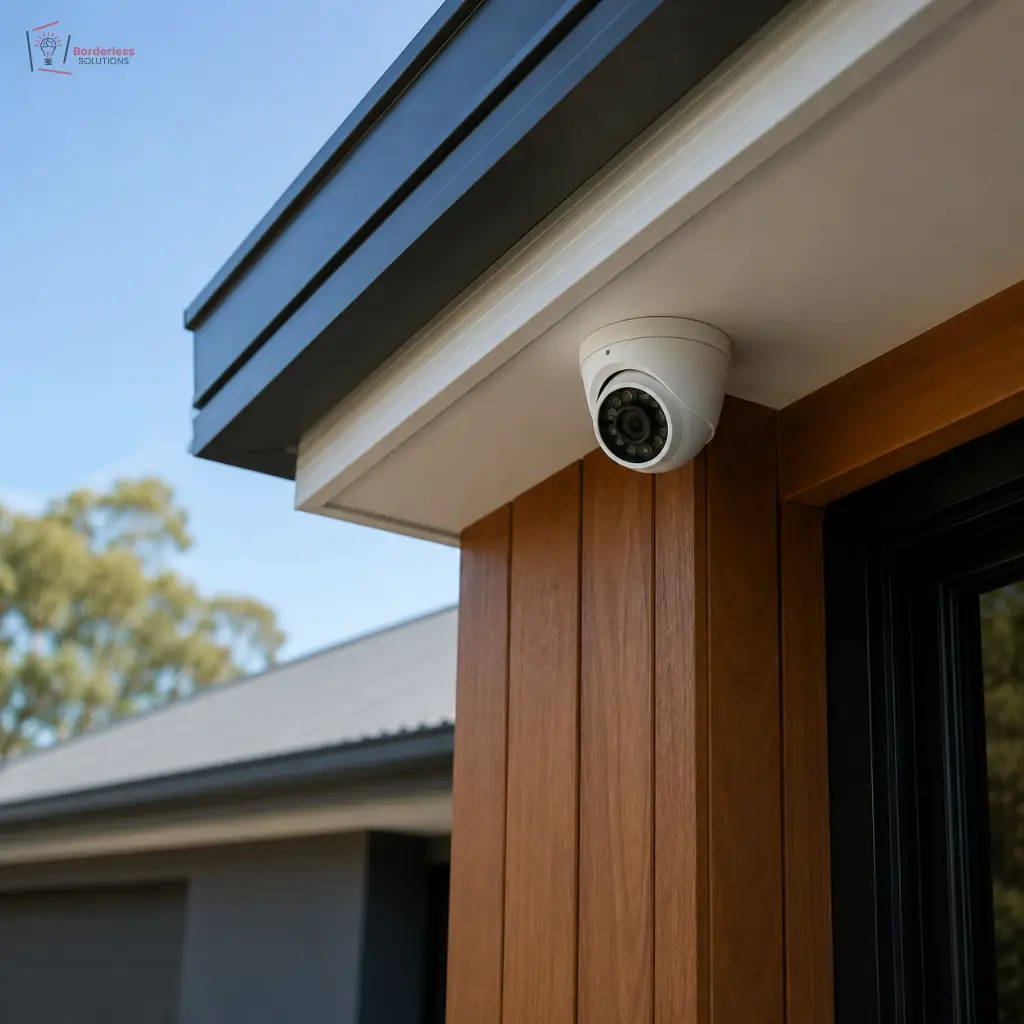
Often the recorder is old, the drive is failed and the app account belongs to someone else. Sometimes the cabling is perfectly good and only the equipment needs replacing, which is a much smaller job.
First month: cover what the previous owner ignored
Most homes have an approach nobody covered, usually a side gate or a rear lane. Now is when you find it, before you are used to the property and stop noticing.
Inherited systems
Keep It, Replace It, or Reuse the Cabling
An inherited system falls into one of three categories, and telling them apart is worth a service call before you spend anything.
Sometimes the whole thing works and only needs reprogramming to new codes and a new app account. Sometimes the equipment is dead but the cabling is sound, which means new cameras on existing runs at a fraction of a full install.
And sometimes it was badly placed from the start, in which case reusing the positions just inherits the previous owner’s mistakes.
- Reprogram only if the equipment is current and the positions are right
- Reuse the cabling if the runs are sound but the hardware is dated, the largest single saving available
- Start again if the positions were chosen for cable convenience rather than coverage
- Always change the credentials, whichever of the three applies
- Get the app account transferred or the previous owner may still have access
By situation
What Changes Depending on the Move
The checklist is the same. The priorities are not.
Buying an established home
The access question dominates. Rekeying and code changes before the first night, then work out the inherited system at leisure.
Moving into a new build
Nothing exists yet, which is the cheapest moment in the property’s life to cable it. If the build is not finished, the rough in window is still open.
Renting a house
You can usually fit anything that does not require permanent alteration. Wireless cameras, a smart lock over the existing barrel, and portable network gear all come with you.
Moving into an apartment
The lot and common property split decides what you can do. The handset inside your apartment is usually yours. The street panel is not.
Downsizing
Often the existing system is oversized for the new place. Some equipment moves, some does not, and a smaller property frequently needs better placement rather than fewer cameras.
Moving to acreage
Everything changes. Distance, power and the internet all become the problem, and the suburban system you had will not transfer sensibly.
Recent work
Moves We Have Worked On
Three properties, three different starting points.
Cabled before they moved in
The owners were still six weeks from handover when they called. The frame was open, so everything was cabled at rough in and the equipment fitted just before they moved.
More on Balwyn ›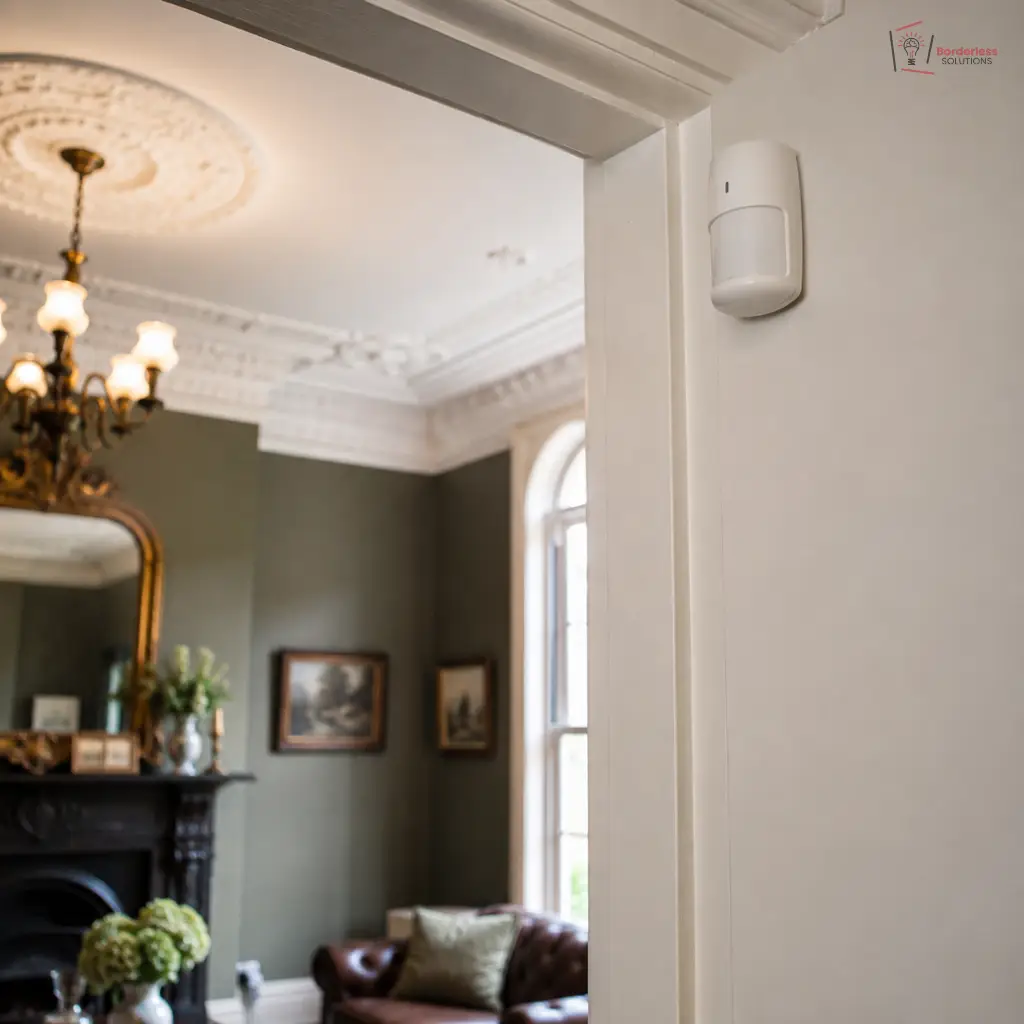
An inherited panel nobody had the code for
The previous owner could not remember the master code and the monitoring had lapsed years earlier. Panel reprogrammed, wireless sensors added where no cable route existed, new credentials issued.
More on Kew ›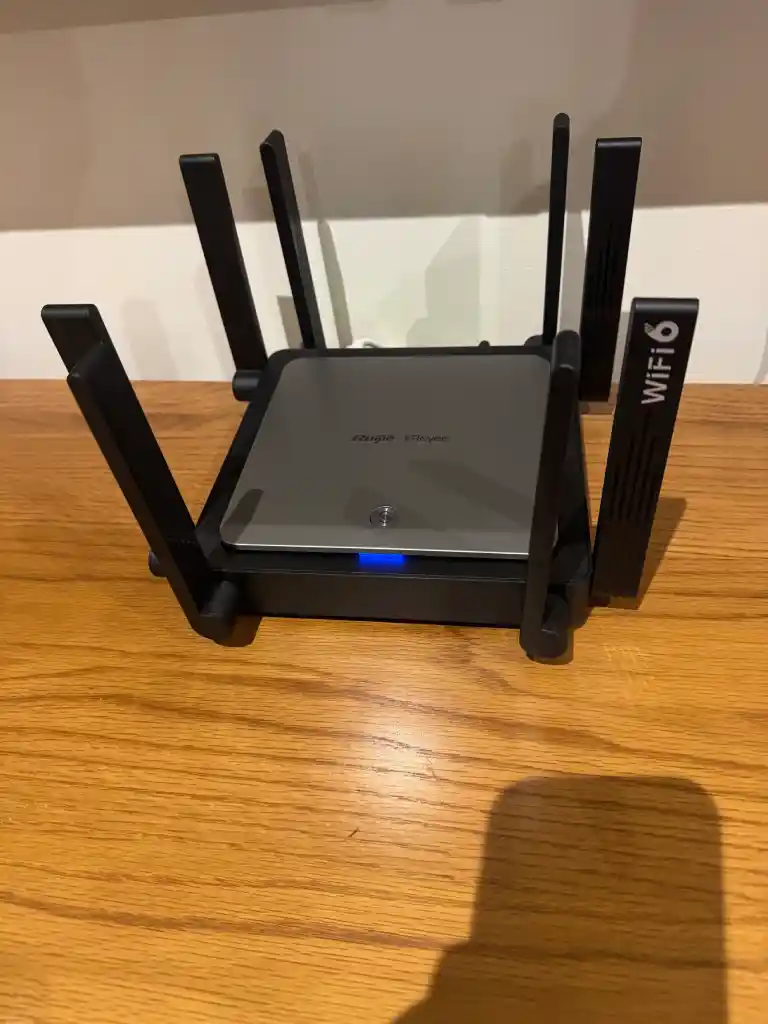
The outlet was in the garage
A two storey home with the only network point in the garage, which is where the previous owner had it. Network repositioned and mesh nodes placed, before any cameras were even discussed.
More on Glen Waverley ›Questions
Moving House FAQs
What should I do about security before I move in?
Change every access credential. Rekey or replace locks, change alarm codes and reset any smart lock. Whatever existed before settlement, assume copies exist. This is the one item genuinely worth doing before the first night.
Is the previous owner’s security system worth keeping?
Sometimes. If the equipment is current and the positions are sensible, reprogramming is all it needs. If the equipment is dated but the cabling is sound, new cameras on existing runs is a fraction of a full install. A service call tells you which.
Does a monitoring contract transfer to me?
No. Monitoring is a contract between the monitoring company and the account holder, and it ends with them. If you want monitoring, it is a new arrangement in your name.
Can I take my cameras to the new house?
Usually yes for the cameras and recorder. The cabling stays. Whether it is worth moving depends on the age of the gear and whether the new property has the same layout of approaches.
When should I book the internet setup?
Around your connection date rather than after it. The connection itself is your provider’s timeline. The part we control is the outlet position, the network and the coverage, and that is better done before the furniture arrives.
What about a rental property?
You can generally fit anything that does not permanently alter the property. Wireless cameras, a smart lock fitted over the existing barrel and portable network gear all work, and all come with you when you leave.
Where to next
Related Services and Guides
For the systems themselves see CCTV installation, security alarms and Wi-Fi installation. Moving the NBN outlet is covered on NBN relocation. Building rather than buying? Read pre wiring for new builds.
Book a Pre Move Assessment
Tell us your settlement date and the address. A licensed technician walks the property, tells you what is already there, what is worth keeping and what to book before you move in.
Borderless Solutions. Licensed and insured. 81 Junction Rd, Nunawading VIC 3131. Monday to Saturday, 7:00 to 20:00.