
When you are putting in security cameras for your house or business one of the biggest choices is wired or wireless. Both give you good clear video but they work in totally different ways when it comes to fitting them how they connect, how much they cost and how well they keep going over the years.
In this article we look at wired and wireless cameras side by side. We explain exactly how each one works and help you work out which type suits your place best.
What Are Wired CCTV Security Cameras?
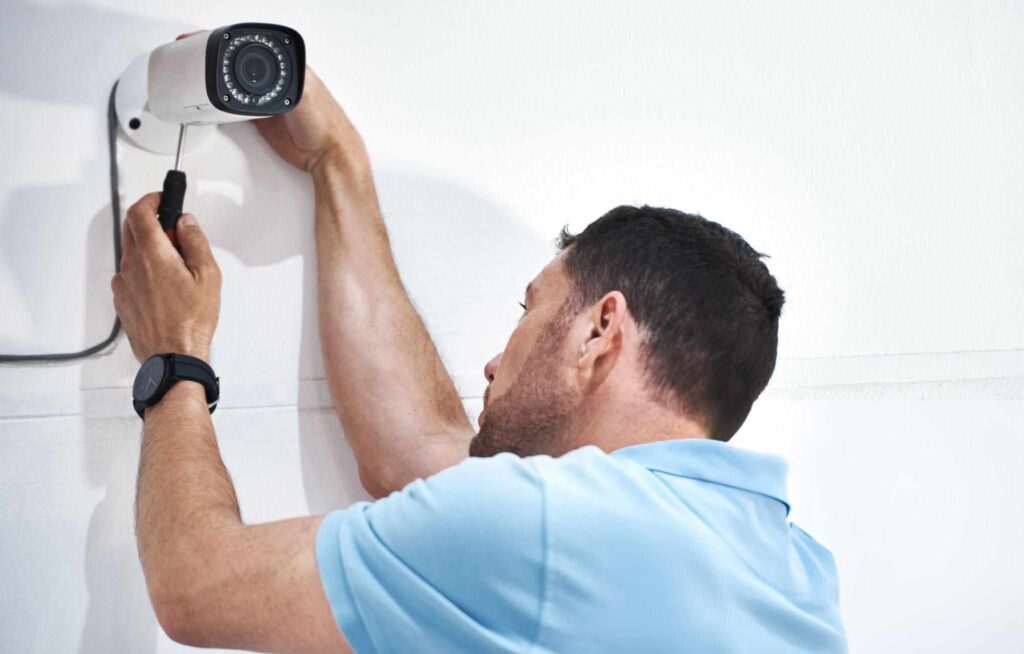
Wired CCTV cameras are the ones that use real cables to connect each camera to the recorder. The recorder is either a DVR for older style cameras or an NVR for newer IP cameras. Most setups use either normal coaxial cables or the smarter PoE cables that carry power and video down the same wire. Everything stays plugged in all the time so you never have to charge batteries.
How Wired Systems Work
Wired CCTV cameras use real cables to send video from the camera to the recorder. Old-style analog ones run thick coaxial cables straight to a DVR box. Newer IP cameras use normal network cables (Ethernet) to send sharp digital video to an NVR over your home or office network.
The cameras get power two ways. Some plug into a power adapter nearby and others use PoE which means one single network cable carries both power and video so you only run one cable and the job looks neater and stays reliable.
Typical Components of Wired Systems Work
A wired CCTV setup has a few main parts that all work together to keep an eye on your place. You get proper cameras like bullet dome or turret types that plug straight into a recorder. That recorder can be a DVR for older analog cameras or an NVR for newer IP cameras.
The video travels down coaxial cable or Ethernet cable depending on the system. Power comes from normal plug-in adapters or through PoE which sends power and video down the same cable. Most setups have a router so you can watch the cameras on your phone from anywhere. All the footage saves onto a big hard drive inside the recorder so it stays safe on your property for as long as you need.
Where People Normally Use Wired CCTV Cameras
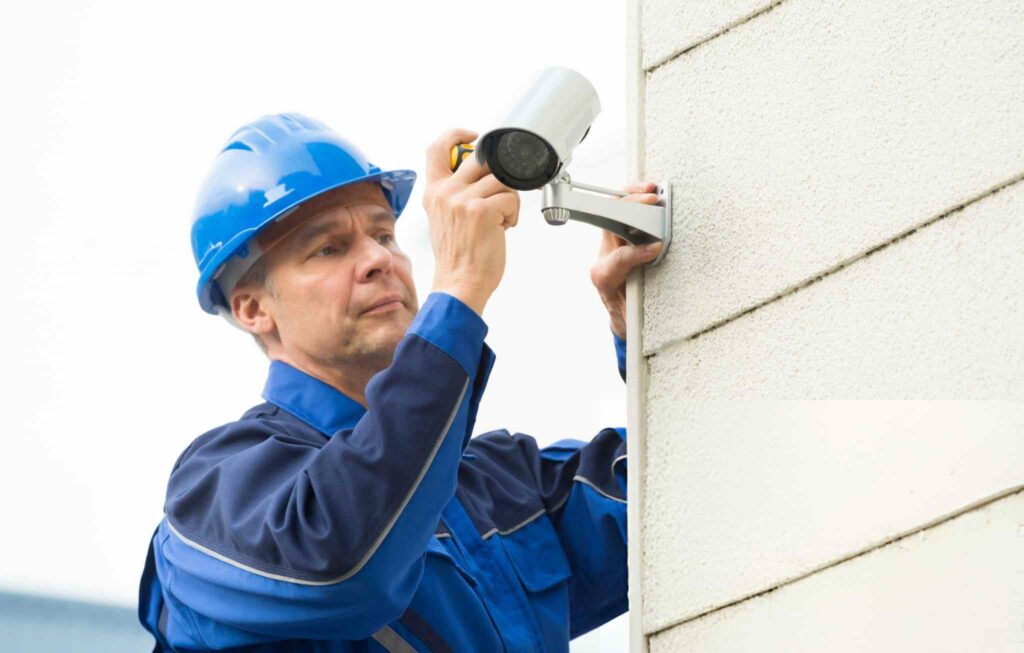
Wired cameras are the go-to when you need security that never lets you down and will stay there for years. They work great in big houses that need cameras in lots of spots plus warehouses and shops where heaps of people come and go every day.
Car parks, factories and any outdoor industrial areas love wired systems because the cables can run long distances and still handle rain, wind and heat without missing a beat. Because they are super reliable and give sharp clear video all the time, wired setups are the number one pick for serious long-term business security.
Advantages of Wired Cameras
Wired cameras have some big wins that make them perfect when you want security that just keeps working year after year. Here is why so many home owners and businesses pick them.
Stable & consistent video quality
Wired cameras never drop out because of bad WiFi or too many devices on the network. You get clear sharp video every second no matter what.
Reliable 24/7 recording
They stay powered all the time through the cable so they can record day and night in full HD 2K or 4K without ever stopping or missing anything.
Better for large properties
Big houses, warehouses and shops love wired setups because the cables keep the picture strong even when cameras are far apart or spread over a huge area.
No battery changes
Wired cameras get power from the wall or the cable so you never have to climb up and charge or swap batteries.
Difficult to hack
Because everything runs on its own private cables not WiFi it is almost impossible for someone to break in from outside.
Long lifespan
Wired systems are built to stay up on the wall forever. Look after them and they will still be going strong ten years later without needing new parts all the time.
Downsides of Wired Cameras
Wired cameras are strong and dependable but they come with some clear problems you should think about before you decide to go that way.
Complex installation
Fitting wired cameras means drilling holes running cables through walls ceilings or under the house and trying to hide the wires neatly. The whole job takes much longer than wireless cameras and can make a real mess while it is happening.
Higher upfront cost
You need to pay for all the cables, connectors, tools and usually a tradie to do the work properly. Because of that the bill when everything is first set up is normally a lot bigger than buying a wireless system.
Limited placement flexibility
Cameras can only go where you can get a cable to them. If you pick a spot that is hard to reach you might need extra cable or more building work just to get one camera in place.
May require a professional installer
All the wiring and tricky settings mean most people call in a proper CCTV installer to make sure it is done right. That gives you a perfect system but it pushes the total cost up even more.
What Are Wireless CCTV Security Cameras?
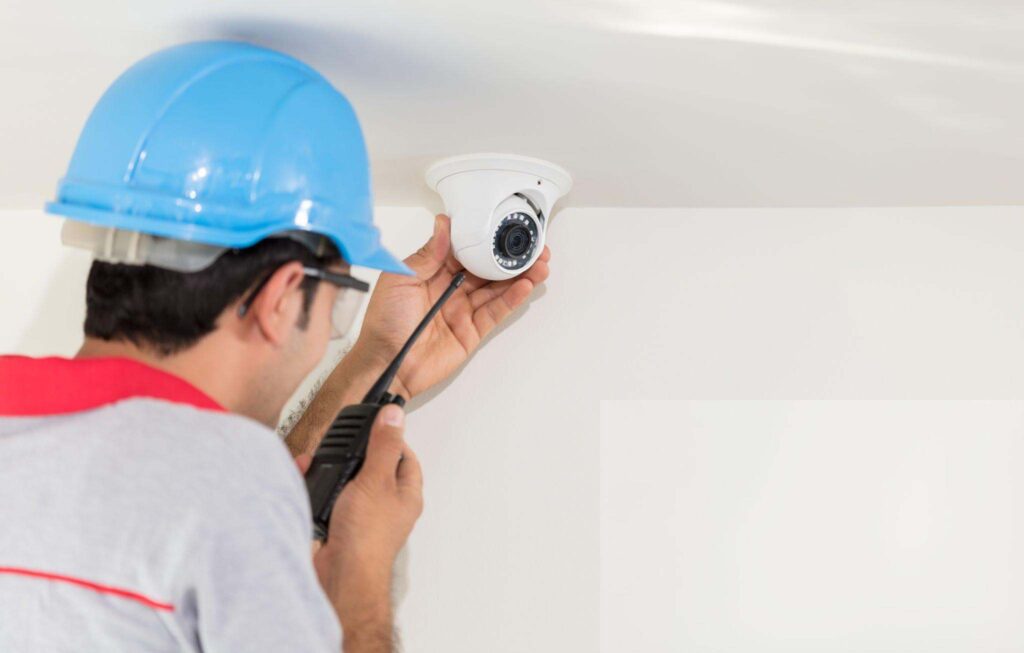
Wireless cameras send the video through your home Wi-Fi instead of cables. Lots of them run on batteries or even solar panels so you do not have to plug them in. The video can be saved on the cloud on a little wireless recorder or straight onto an SD card inside the camera.
How Wireless Cameras Work
These cameras just join your normal Wi-Fi the same way your phone does. No long cables needed at all. Once they are on the network the video goes up to the cloud or to a wireless NVR box in the house. You get a phone app that lets you watch live check recordings and get alerts no matter where you are. It is all super simple and quick to set up.
Key Components of Wireless Cameras
Wireless CCTV kits normally come with WiFi cameras that work inside or outside the house. Some systems have a wireless NVR so you can save video on a hard drive at home but most just send everything to the cloud and you pay a monthly fee to keep the footage.
You need a good strong router or a mesh WiFi setup so the cameras never lose connection. Power comes from batteries you charge every few months or from little solar panels on top so you can put the cameras almost anywhere without running power cables.
Advantages of Wireless Cameras
Wireless cameras come with some really good points that make heaps of people pick them today.
Easier installation
Wireless cameras hardly need any cables at all. You skip the drilling and messy wiring so putting them up is quick and simple especially if you want to do it yourself.
Flexible placement
Because there are no cables holding them back you can stick wireless cameras almost anywhere as long as they reach your WiFi. That makes them perfect for rental places short-term jobs or spots that are hard to wire.
Cost-effective
For small homes or units wireless kits cost less to buy and set up. You save money on cables and paying someone to run wires all over the house.
Smart home integration
Most wireless cameras work straight away with Google Home Alexa and phone apps. You can watch live check alerts and talk through the camera from anywhere.
Advanced features
Wireless cameras usually come with the latest extras like smart motion detection AI that knows people from pets and two-way talk. All that makes keeping an eye on your place easier and safer.
Disadvantages of Wireless CCTV Cameras
Wireless cameras are easy and handy but they come with some real problems you need to know about.
Dependent on WiFi quality
Everything depends on how good your home WiFi is. If the signal is weak or drops out you get lag missing video or the camera just stops working.
Potential interference
Other things like cordless phones, microwave ovens or your neighbour’s WiFi can mess with the camera signal and make the picture jumpy or freeze.
Battery maintenance
A lot of wireless cameras run on batteries so you have to remember to charge them or swap them out every few months or the camera goes dead.
Not ideal for large commercial sites
Wireless works fine for small homes or shops but on big properties with long distances or heaps of cameras the WiFi gets overloaded and the system slows down or drops out.
Cloud storage costs
Many wireless cameras save video online and you have to pay a monthly fee if you want to keep footage longer or use extra features.
Side-by-Side Comparison: Wired vs Wireless Cameras
Choosing between wired and wireless cameras comes down to your place, your money and what you really need from security. Here is a straight comparison on the main things that matter.
Installation
Wired: Takes a lot more work. You have to drill holes, run cables everywhere and sometimes get a pro to help. It can take days on a big house but once it is done you have a rock-solid permanent setup.
Wireless: Super quick and easy. Most people fit them themselves. You only need a power plug or batteries and no messy cables so it is perfect for renters or temporary spots.
Reliability & Signal Quality
Wired: Gives you rock steady pictures all day every day. No dropouts, no lag and it handles sharp 4K video without any trouble because the cable never loses signal.
Wireless: Depends on how good your WiFi is. If the signal is weak or lots of gadgets are on the network the picture can freeze, stutter or drop out completely.
Video Storage Options
Wired: Keeps all footage on a hard drive inside a DVR or NVR at your place. No monthly fees and you can store weeks or months of video safely on site.
Wireless: Mostly uses cloud storage or tiny SD cards in the camera. Easy to watch from your phone but cloud plans cost money every month and you only get limited space.
Security & Cybersecurity
Wired: Very hard for anyone to hack because everything stays on your own private cables not the internet. Your video stays safe.
Wireless: Needs strong passwords and good WiFi protection. Because it is online a hacker can try to get in if your network is not locked down properly.
Scalability
Wired: Adding extra cameras means running more cables but you can easily build a big system with 20 or 30 cameras for shops or warehouses.
Wireless: Super easy to just stick up another camera but your WiFi can only handle so many before the picture slows down or drops out.
Cost Comparison
Wired: Costs more to buy and install at the start but then nothing each month and the gear lasts 10 years or more.
Wireless: Cheaper to get going and set up yourself but you pay for cloud storage batteries and maybe a better router later on.
Best Use Cases
Wired: Perfect for big houses, shops, factories, car parks or anywhere you want rock-solid cameras that never let you down.
Wireless: Great for units, small homes rentals or places where you want to put cameras up fast without drilling holes.
Which is better wired or wireless CCTV cameras?
Choosing between wired and wireless CCTV cameras depends on the type of property, installation flexibility, and your security priorities. Here’s a detailed breakdown by property type and placement:
Homeowners
Wired: Best for long-term reliability and continuous 24/7 recording. Ideal if you want a permanent setup with minimal maintenance.
Wireless: Perfect for easy installation, smart home integration, and flexible placement. Great for homeowners who value convenience and modern features.
Small Businesses
Wired: Recommended for consistent performance, multiple camera points, and compliance with security regulations. Provides dependable surveillance for small commercial properties.
Wireless: Can be used for small offices or temporary setups, but may be limited by WiFi coverage and signal stability.
Large Commercial Sites
Wired: PoE wired cameras are the industry standard for large sites, offering stable video quality, extended coverage, and easy integration with professional NVR systems.
Wireless: Not ideal for large-scale installations due to signal range limitations and bandwidth constraints.
Outdoor vs Indoor Placement
Outdoor: Wired PoE cameras are the best choice outside. They handle long cable runs and stay working perfectly through rain, wind and heat.
Indoor: Wireless cameras win inside because you can stick them anywhere and move them later without any hassle. They suit apartments, offices or spots where you just need cameras for a short time.
Rental Properties
Wireless: Perfect for renters. You don’t have to drill holes run cables or change anything in the house. When you move you just take the cameras with you.
Wired: Not great for rentals. The cables are fixed in the walls and you normally need a pro to fit them so landlords hate it and you can’t take them when you leave.
Hybrid CCTV Systems
A hybrid setup uses both wired and wireless cameras together so you get the best of each type.
When Hybrid Systems Make Sense
Hybrid systems are perfect when you want rock-solid wired cameras in the main spots but also need wireless ones where cables are too hard or expensive to run. They suit big homes with tricky corners, businesses adding new areas to an old wired system or places that want a few temporary wireless cameras plus permanent wired ones. This mix gives you full coverage around the property without losing reliability or making life hard.
Example Scenarios
A normal mixed setup puts wired cameras on the front door driveway and any important spots that never move while wireless cameras look after the back shed garage or far corners of the yard. You keep one main recorder in the house for local saving and add cloud backup so you can check footage from your phone anywhere. This way you get rock-solid coverage where it matters most plus easy cameras in tricky places and you still see everything from one app. It really gives you the good bits of both systems without any big headaches.
Final Verdict
Both wired and wireless CCTV cameras give you good protection but which one wins depends on your place, how good your internet is and what you really want from security. Pick wired if you need rock-solid reliability, super clear pictures and a system that lasts for years without trouble. Go wireless if you want something quick to set up easy to move and that works nicely with your phone and smart home.
Still not sure what suits your house or business best? Our team is expert in CCTV installation. We can plan fit and look after the perfect system just for you. Just contact us today and we will come check your property for free and give you a proper no-pressure quote.