You’re paying for NBN every month, so why does it still buffer, drop out, or crawl during peak hours? More often than not, it’s not your provider’s fault. It’s a mismatch between the speed tier you’re on and what your household actually needs. Too slow and everyone fights over bandwidth. Too fast and you’re overpaying for speed no one uses. This guide walks you through every NBN speed tier, matches them to real household needs, and helps you pick the right plan without second-guessing yourself.
NBN Speed Tiers at a Glance
| Speed Tier | Max Download | Best For | Household Size |
| NBN 25 | 25 Mbps | Light users, budget plans | 1–2 people |
| NBN 50 | 50 Mbps | Everyday households | 2–4 people |
| NBN 100 | 100 Mbps | Busy households, FTTN/FTTC | 3–5 people |
| NBN 250 | 250 Mbps | Power users, heavy streaming | 4–5+ people |
| NBN 500 | 500 Mbps | Large households, FTTP/HFC | 5+ people |
| NBN 1000 | 1000 Mbps | Near-gigabit, future-proof | 10+ people |

Every NBN Speed Tier Explained
Not all NBN plans are created equal. Here is what each speed tier actually delivers and who it suits best.
NBN 25: Best Budget Option
NBN 25 covers the basics, browsing, social media, and standard-definition streaming for one person. The moment someone else jumps on the connection, you’ll feel it. Unless you’re a solo light user watching your budget, it’s worth stepping up.
NBN 50: Best All-Rounder
NBN 50 is Australia’s most popular speed tier, and for good reason. It handles HD streaming on multiple screens, online gaming, and working from home without breaking a sweat. For most two to four-person households, this is the sweet spot between speed and price.
NBN 100: Best for FTTN and FTTC Households
NBN 100 is the highest tier available on FTTN and FTTC connections, and it holds up well under pressure. Multiple 4K streams, large downloads, and several people working or studying from home can all run at the same time. If your household is always online, this is where you want to be.
NBN 250: For Power Users and Large Households
NBN 250 is only available on FTTP and HFC connections, and it’s built for households that push their internet hard. Think frequent large file uploads, competitive gaming, and five or more people all active at once. It’s also a strong choice if you work with video or run regular cloud backups.
NBN 500: Best Value on FTTP and HFC
At 500 Mbps, this tier handles everything a large, tech-heavy household can throw at it. Multiple 4K streams, smart home devices, remote work, and gaming can all run side by side with no slowdown. If your home runs on FTTP or HFC, the jump from NBN 100 to NBN 500 is often more affordable than people expect.
NBN 1000: Near-Gigabit Speeds
NBN 1000 is the fastest residential tier on the market, available only on FTTP and HFC. Most households will never fully max it out, but if you want the absolute best your connection can offer, this is it. It’s also a solid choice for home businesses or households that treat their internet like infrastructure.
How Much Speed Does Each Activity Need?
Your speed requirement isn’t just about how many people are in the house. It’s about what those people are doing online at the same time.
Streaming (SD, HD, 4K)
Standard-definition video needs around 3 Mbps, HD around 10 Mbps, and 4K around 25 Mbps per screen. Three people streaming 4K simultaneously already demands 75 Mbps before the rest of your household is counted. Always factor in the number of screens, not just the number of people.
Online Gaming
Gaming doesn’t actually demand huge download speeds, as most titles run fine on 5–10 Mbps. What matters is a stable, low-latency connection, not raw speed. NBN 50 is more than enough for gaming, and most issues come from a congested network or weak Wi-Fi, not the plan itself.
Working from Home and Video Calls
A single video call needs about 3–5 Mbps each way. If two or three people in your household are on calls at the same time, or you’re transferring large files regularly, NBN 50 is the bare minimum. NBN 100 gives you a noticeably smoother work-from-home experience.
Smart Home Devices and Security Cameras
Each smart device adds a small but real load to your network. A home with ten or more smart devices and multiple HD security cameras running continuously can quietly consume 20–30 Mbps in the background. If you’re building out a smart home, factor this in when choosing your speed tier.

NBN Speed by Household Size
The number of people in your home is one of the simplest ways to narrow down the right tier. Use this as your starting point, then adjust based on how heavily each person uses the internet.
1–2 People
NBN 25 works if your usage is light and you’re rarely online at the same time. For most one to two-person households, NBN 50 is the better call, especially if both people stream, work from home, or game regularly.
3–4 People
NBN 50 is the starting point, but NBN 100 is the smarter choice if multiple people are regularly streaming 4K or on video calls simultaneously. The price gap between the two tiers is usually small enough to justify the upgrade.
5+ People
At five or more people, NBN 100 is the minimum you should consider. If your household has heavy users spread across multiple devices throughout the day, NBN 250 or NBN 500 will serve you far better long-term.
What Affects Your Real-World NBN Speed?
Choosing the right tier is only half the equation. Several factors can affect the speeds you actually experience day to day, regardless of what your plan advertises.
Your NBN Connection Type (FTTP, FTTN, HFC, Fixed Wireless): Your connection type determines which speed tiers are even available to you. FTTP supports the full range up to NBN 1000, while FTTN and FTTC are capped at NBN 100 and may not always reach that maximum depending on distance from the node. Check your connection type before choosing a plan, not after.
Peak-Hour Congestion and Typical Evening Speeds: The advertised speed on any plan is the maximum, not what you’ll get every hour of the day. Between 7 pm and 11 pm, congestion can cut speeds noticeably. Always compare providers using their “typical evening speed” figure, not the headline number on the plan.
Router Quality and Where Your NBN Box Is Positioned: A good NBN plan can still underperform if your router is outdated or your NBN point is in the wrong part of your home. A box tucked in a back bedroom will struggle to reach devices in your living area or home office. Relocating your NBN point to a more central location can make a real difference to the speeds your devices actually see.
Tips to Get the Most Out of Your NBN
You don’t always need to upgrade your plan to get better speeds. A few practical changes at home can go a long way.
Use Wired Ethernet for Speed-Critical Devices:
A wired Ethernet connection is always faster and more consistent than Wi-Fi. If you’re gaming, on regular video calls, or working with large files, plugging directly into your router removes interference from the equation. It’s a simple change that most people never make, and one that often solves speed complaints overnight.
Upgrade Your Router or Switch to Mesh Wi-Fi:
The modem-router your provider includes is often just adequate, not great. For larger homes or multi-storey properties, a mesh Wi-Fi system spreads your connection evenly across every room. It’s one of the best upgrades you can make without changing your plan or your provider.
When to Call a Professional for NBN Setup or Relocation
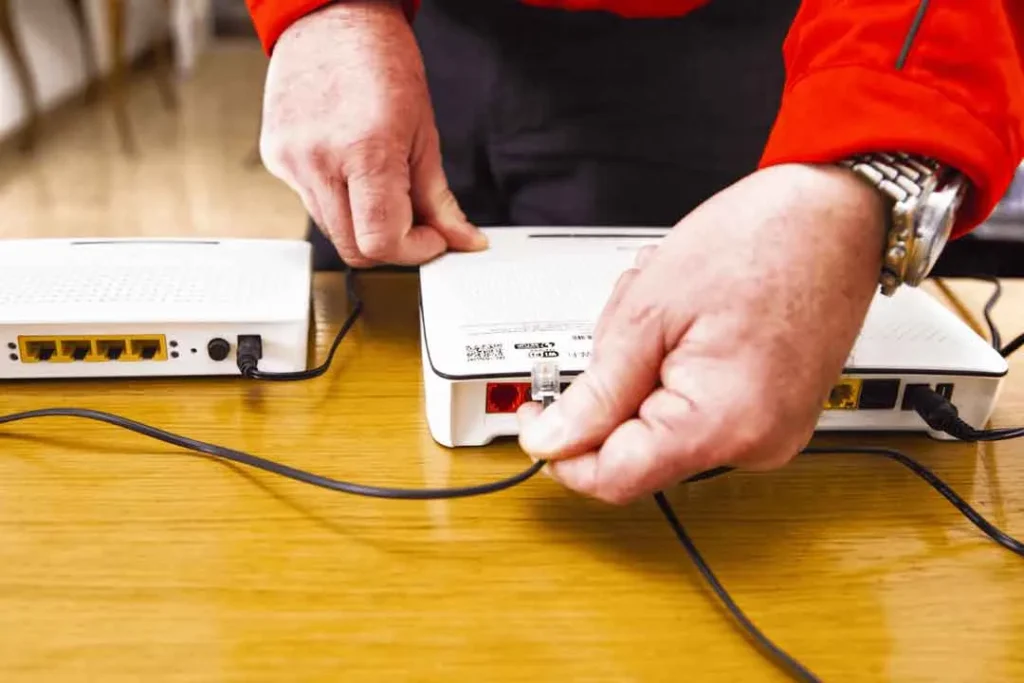
If your NBN box is in a garage, a back corner, or an awkward wall cavity, moving it yourself isn’t straightforward. At Borderless Solutions, we provide professional NBN relocation services, covering everything from clean cabling to correct installation and a full test before we leave. No guesswork, no dropped connections, just a setup that actually works.
Frequently Asked Questions
What NBN speed is good for a family of 4?
NBN 50 covers a family of four for most everyday tasks. If multiple people are streaming 4K, gaming, or on video calls at the same time, NBN 100 is the more comfortable choice.
Is NBN 50 still good enough in 2025?
For most households, yes. NBN 50 handles HD streaming across several devices, video calls, and general browsing without issue. Where it starts to feel tight is in larger households with heavy simultaneous usage or multiple 4K screens running at once.
Why is my NBN slower than advertised?
The most common causes are peak-hour congestion, an ageing router, or weak Wi-Fi coverage in your home. Run a speed test during off-peak hours and compare it to a peak-hour result. That gap tells you whether it’s a network issue or a home setup issue.
Can I upgrade my NBN speed tier at any time?
Most providers allow it with little or no notice, though it can depend on your contract terms. It’s worth confirming flexibility before you sign up, especially if your household needs are likely to change.
What happens to my NBN when I move house or renovate in Melbourne?
Moving house means your connection doesn’t automatically follow you, and you’ll need to arrange a transfer or a new connection at the new address. During a renovation, your NBN point may also need to shift to suit the new layout.
Final Thoughts
The right NBN speed depends on how many people and devices are online in your home. For most households, NBN 50–100 offers the best balance, while larger or heavier-use homes may need 250 or higher. Before upgrading, make sure your setup isn’t the real issue. If you’re still facing slow speeds or poor coverage, contact Borderless Solutions for expert NBN setup and relocation services that get your connection performing the way it should.