

A home alarm system protects your property, but there are times when you may need to turn it off. Whether it’s a false alarm, maintenance work, power outage, or you’re moving house, knowing how to deactivate a home alarm system safely is important.
If done incorrectly, you can damage the system, trigger repeated alarms, or lose monitoring connection. This guide explains the correct and safe way to turn off your alarm system, especially for homeowners in Melbourne.
Why You Might Need to Turn Off Your Home Alarm System?
There are several legitimate reasons to deactivate a home alarm:
False Alarms: Sometimes sensors are triggered accidentally by pets, open windows, or incorrect code entry. Turning off the alarm quickly stops repeated alerts.
Power Outages: Temporary power loss can make alarms beep or show faults. Deactivating the system ensures it resets safely once power returns.
System Malfunction: Occasional faults like persistent beeping or sensor errors may require turning off the system until a technician can inspect it.
Moving House: New homeowners may not have the master code or full system details. Deactivating the alarm before reprogramming prevents unnecessary triggers.
Maintenance or Repairs: Renovations or electrical work can trigger alarms. Switching off the system ensures safe maintenance without false alerts.
Identify Your Alarm System Type Before Deactivation
Before turning anything off, identify what type of alarm system you have. The process varies depending on the system.
Wired Alarm Systems
These are connected directly to your home’s electrical wiring and usually have a backup battery. They are common in older Melbourne homes and commercial properties.
Wireless Alarm Systems
These use battery-powered sensors and communicate with a central control panel. They are easier to manage and more common in modern installations.
Monitored (Back-to-Base) Alarm Systems
These systems are connected to a monitoring center. If triggered, they alert a security company who may contact you or emergency services. If you have monitoring enabled, do not disconnect power without informing your provider.
Smart App-Controlled Systems
Modern systems allow you to arm and disarm your alarm through a mobile app. These systems are common in smart homes across Melbourne suburbs.
Step-by-Step Guide to Deactivating a Home Alarm System
Follow these general steps carefully.
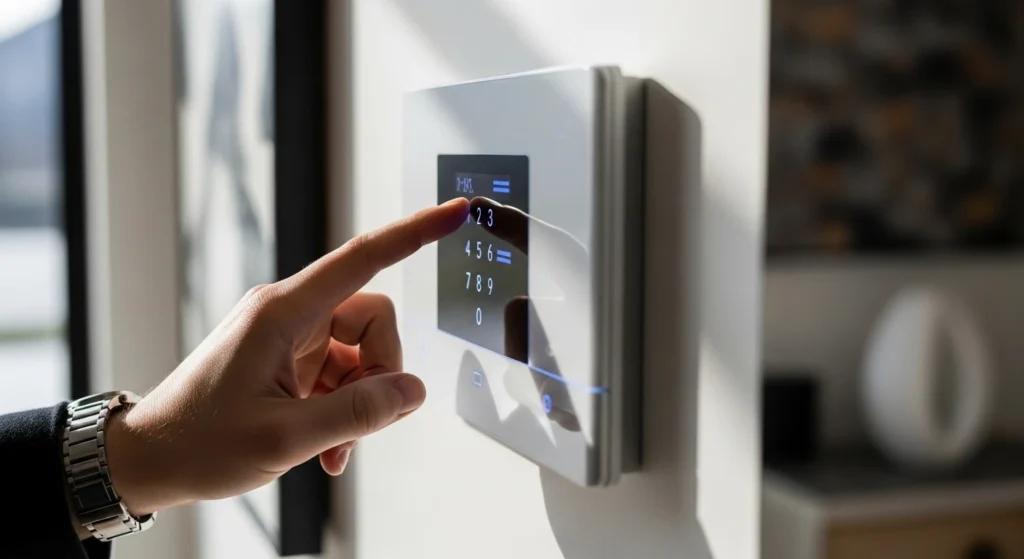
Step 1 – Use the Control Panel or Keypad
Most alarm systems can be disarmed by:
- Entering your user code
- Pressing the “Disarm” button
- Confirming the system is no longer armed
If the alarm was triggered accidentally, entering your code usually silences it immediately.
Step 2 – Enter the Correct Security Code
Always use the correct master or user code assigned to you. If the wrong code is entered multiple times, some systems may:
- Lock you out temporarily
- Trigger a tamper alert
- Notify monitoring services
If you’ve forgotten your code, avoid guessing repeatedly.
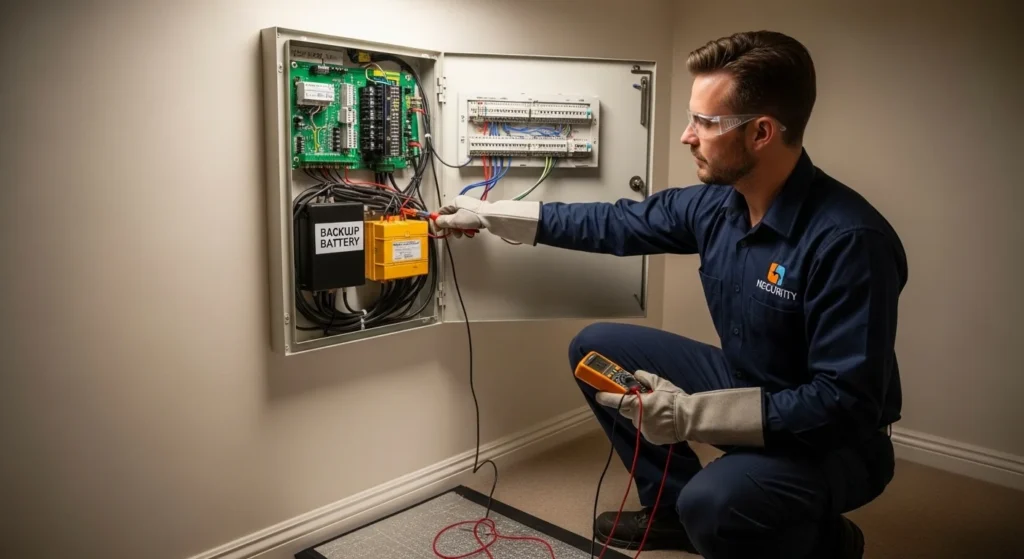
Step 3 – Turn Off a Wired System (Power & Backup Battery)
If you need to completely power down a wired alarm system:
- Locate the main control panel
- Switch off the main power supply
- Open the control box
- Disconnect the backup battery
Important: If your system is monitored, notify your monitoring provider before disconnecting power. If you’re unsure about handling wiring, it’s best to contact a professional alarm technician.
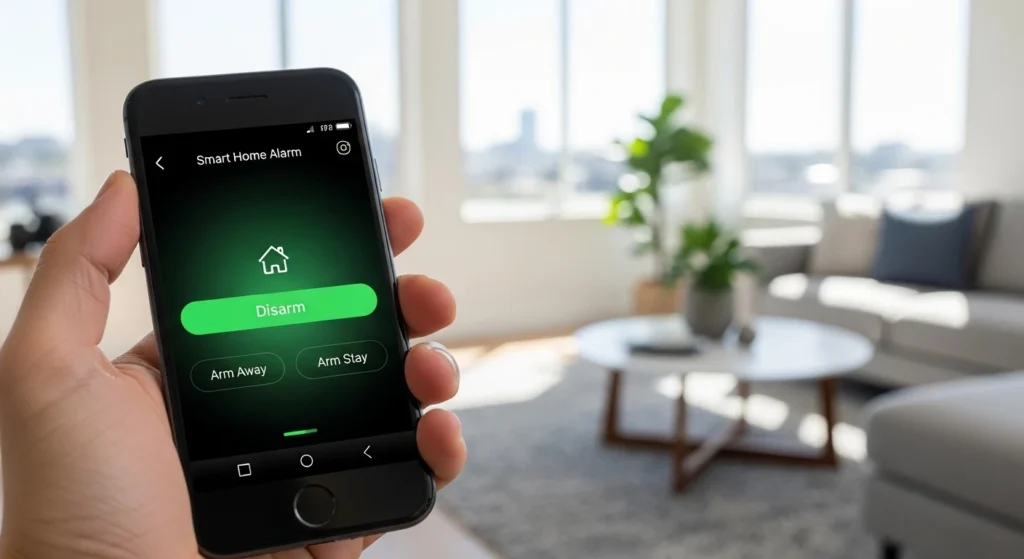
Step 4 – Deactivate Using a Mobile App or Key Fob
For smart systems:
- Open the official alarm app
- Log in securely
- Select “Disarm”
- Confirm the system status
Step 5 – Test the System After Deactivation
Once deactivated:
- Confirm no warning lights remain
- Ensure no beeping continues
- Check sensors are not showing fault
If errors remain, the issue may require servicing.
How to Turn Off an Alarm Without the Code?
If you don’t have the alarm code:
- Contact the monitoring provider (if applicable)
- Check system documentation
- Contact the installation company
Some systems allow a factory reset, but this may erase settings and require reprogramming. For homeowners in Melbourne who have recently purchased a property and don’t know the alarm details, professional reprogramming is often the safest solution.
Why Your Alarm System Won’t Turn Off (Common Issues)
Sometimes the alarm continues to sound or beep even after entering the code.
Here are common reasons:
Low Backup Battery: A failing battery often causes persistent beeping. Replacing the battery usually resolves this.
Sensor Malfunction: Faulty motion sensors or door contacts can trigger repeated alerts.
Power Supply Fault: If the system is not receiving stable power, it may behave unpredictably.
Communication Errors: Monitored systems may show faults if they lose connection to the monitoring centre.
If these issues continue, your system may need inspection or repair.
Troubleshooting Alarm Beeping Issues
Sometimes home alarms fail to beep or produce warning sounds, making it hard to know if the system is active or if there’s a fault. At Borderless Solutions, we provide professional guidance and service to diagnose and fix alarm beeping issues, ensuring your system alerts work correctly and your Melbourne home stays secure.
When You Should Call a Professional Alarm Technician
You should seek professional help if:
- The system is monitored and connected to a control centre
- You see tamper warnings
- Electrical wiring is involved
- You’ve lost the master code
- The system keeps triggering false alarms
- The alarm panel is outdated or damaged
Attempting to dismantle complex systems without experience can cause damage or safety risks.
Upgrade or Reprogram Your Alarm System in Melbourne
If your alarm system is outdated, frequently malfunctioning, or difficult to manage, it may be time for an upgrade.
At Borderless Solutions, we provide:
- Security alarm system installation in Melbourne
- Alarm repairs and servicing
- System reprogramming
- Smart alarm upgrades
- Back-to-base monitoring setup
- Integration with CCTV and access control
Many Melbourne homeowners are upgrading to smart alarm systems with app control and remote monitoring for greater convenience and security.
If you’re unsure about your system, our technicians can assess it and recommend the best solution.
Frequently Asked Questions
Can I unplug my home alarm system?
You can unplug it, but most systems have a backup battery that will keep it running. Always disconnect power and battery safely, and notify monitoring providers first.
Will turning off my alarm notify the monitoring company?
If your system is monitored, yes — they may receive a signal. It’s best to inform them before making changes.
How do I stop my alarm from beeping?
Persistent beeping is often caused by a low battery or system fault. Replacing the battery or servicing the system usually resolves it.
Is it safe to remove the backup battery?
It is safe if done properly after switching off mains power. If unsure, contact a technician.
Can tenants deactivate a home alarm system?
Tenants can disarm a system if they have the correct code. Permanent changes should be approved by the property owner.
How long do alarm system batteries last?
Most backup batteries last between 3–5 years, depending on usage and brand.
Need Help With Your Alarm System in Melbourne?
If your alarm system won’t turn off, keeps beeping, or needs upgrading, professional assistance ensures your property remains secure.
Borderless Solutions provides reliable security alarm system installation and servicing across Melbourne. Whether you need troubleshooting, reprogramming, or a complete upgrade, our experienced technicians are ready to help.
Contact our team today for expert advice and secure solutions tailored to your property.