
Security cameras are one of the most important tools for protecting homes, businesses, and public spaces. Many people ask, “How long do security cameras keep footage?” The answer depends on the type of camera, storage method, and settings. Typically, home cameras store footage for 7–30 days, while business or commercial systems can keep recordings for 30–90 days or more. Some systems automatically overwrite older footage, while cloud storage options may allow longer retention.
If you are in Melbourne and want expert advice or installation, Borderless Solutions can help you choose the right system and ensure your footage is stored safely. In this guide, we will explain everything you need to know about footage retention, storage, and best practices for managing your security camera system.
Why Footage Retention Matters?
Keeping security footage for the right amount of time is important for several reasons. It ensures that you have access to recordings when you need them most.
Importance for Home Security
For homeowners, footage can help:
- Identify intruders or suspicious activity
- Monitor children, pets, or caregivers
- Review accidents or incidents around the property
Even a few days of footage can make a difference in solving problems or verifying events.
Importance for Businesses and Public Safety
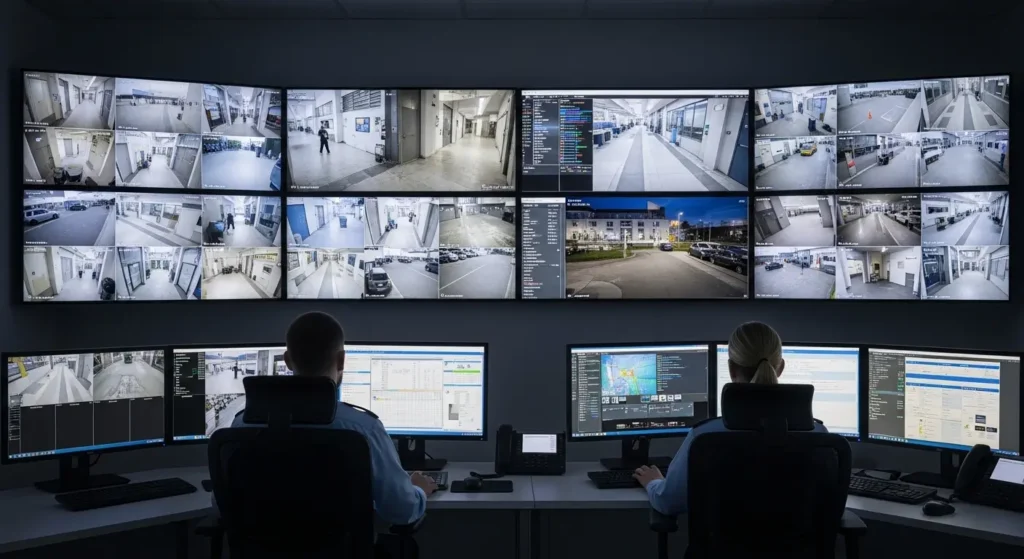
Businesses rely on security footage for:
- Preventing theft or vandalism
- Monitoring employee safety and operations
- Resolving disputes or incidents
Public spaces also use cameras to track activity and maintain safety, making retention essential for law enforcement or investigations.
Legal and Investigative Purposes
Security footage can act as legal evidence in court cases or insurance claims. Keeping footage long enough to cover potential legal or investigative needs is critical. Deleting recordings too soon could mean losing important evidence. Borderless Solutions can help you with CCTV installation in Melbourne, ensuring your system complies with legal retention requirements while protecting your property.
Typical Footage Retention Periods
How long footage is kept depends on system type and storage:
- Residential Systems: Most home cameras store footage for about 7–30 days. Loop recording overwrites older footage automatically.
- Commercial and Enterprise Systems: Businesses often retain footage for 30–90 days or more. Some industries may require even longer storage.
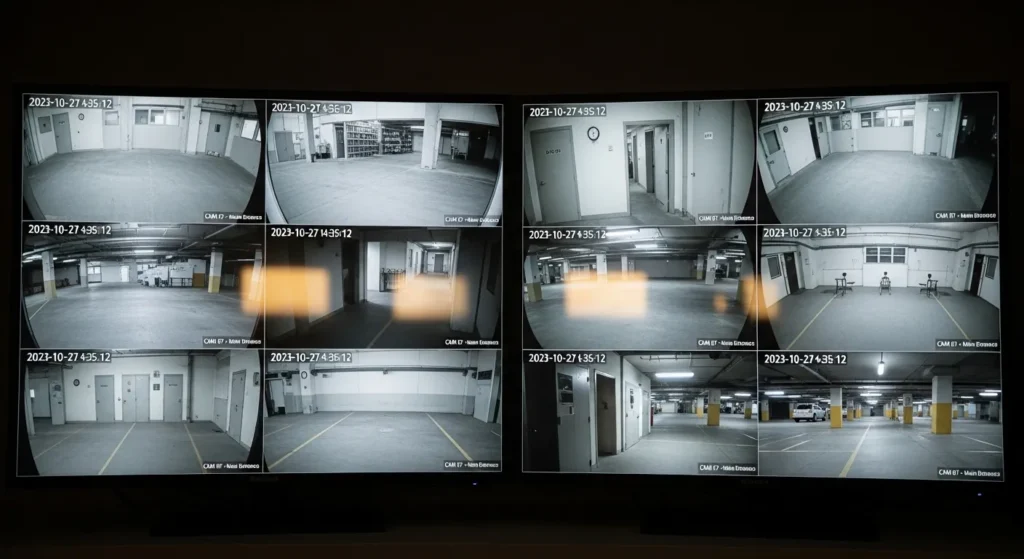
- Automatic Overwriting: Most security systems automatically overwrite older recordings when storage is full. This is normal and keeps the system functioning efficiently.Knowing the retention period helps ensure you don’t lose important recordings.
Types of Security Camera Storage
The storage method affects how long your footage is available.
Local Storage (DVR/NVR)
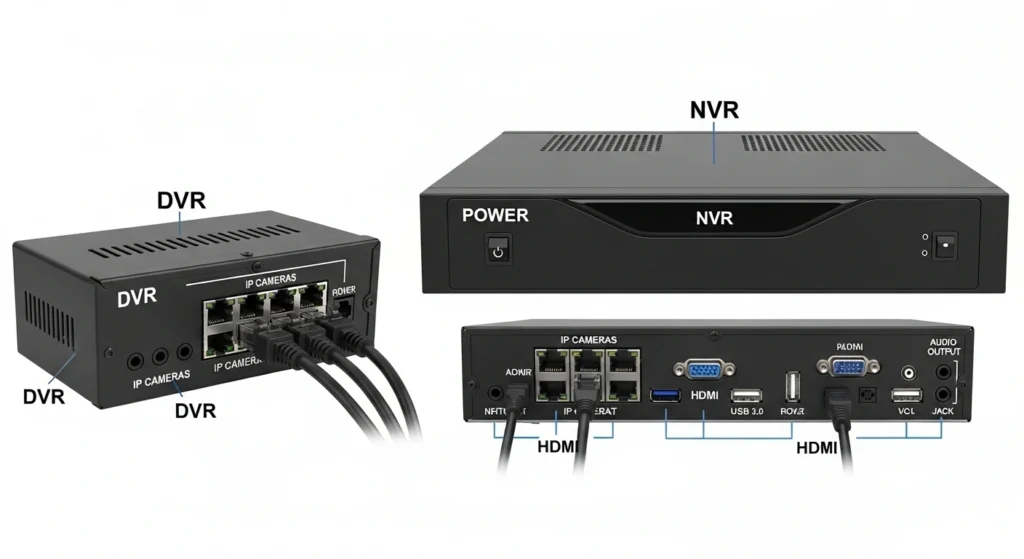
Local storage uses devices like DVRs or NVRs to save footage directly on hard drives. DVRs work with analog cameras, while NVRs support IP cameras. Storage capacity determines how long recordings are kept, and once full, older footage is usually overwritten. Local storage is fast and reliable but limited to the size of the hard drive.
Cloud Storage
Cloud storage saves footage online, allowing access from anywhere with a device. It is useful for long-term backup and protecting important recordings in case local storage fails. Most cloud plans are subscription-based and may limit retention periods. This method ensures your footage is secure and accessible even offsite.
Hybrid Storage Solutions
Hybrid storage combines local and cloud methods, keeping routine footage on local drives and important clips in the cloud. This approach provides extra security and flexibility while extending retention for crucial recordings. It reduces the risk of data loss and ensures vital footage is always preserved.
Factors That Affect How Long Footage Is Stored
Several elements influence retention time:
Storage Capacity
The amount of footage you can store depends on the size of your hard drives or cloud plan. Larger storage allows longer retention, while smaller storage may only hold a few days of video. Proper planning ensures important recordings are not lost due to insufficient space.
Recording Mode (Continuous vs Motion-Based)
Continuous recording captures video 24/7 but uses more storage, which shortens retention time. Motion-based recording only saves video when activity is detected, reducing storage usage and extending retention. Choosing the right mode balances storage and coverage needs.
Video Quality, Frame Rate, and Compression
Higher-resolution footage and higher frame rates produce larger files, which fill storage faster. Compression helps reduce file sizes without losing too much detail, allowing footage to be stored longer. Adjusting these settings can optimize how much video your system can hold.
Number of Cameras and Activity Levels
More cameras or areas with high activity create more data, which reduces storage duration. Fewer cameras or low-activity areas use less space and retain footage longer. Properly planning your system helps manage retention effectively.
Calculating CCTV Storage Capacity in Days
It’s important to know how long your system can store footage:
- Determine Storage Size: Check the capacity of your DVR, NVR, or cloud plan.
- Estimate Daily Data Usage: Consider camera resolution, frame rate, and recording mode.
- Calculate Retention: Divide total storage by daily usage.
Example:
A 1TB drive with four 1080p cameras recording continuously may store 15–20 days of footage. Using motion detection or lowering resolution can extend storage.
This helps homeowners and businesses plan upgrades or backup strategies to ensure important recordings are not lost.
Legal and Industry Retention Guidelines
Some laws or regulations require certain businesses or public spaces to keep footage for a set number of days. Following these rules ensures compliance and protects your organization from legal issues. Knowing these requirements helps determine the right storage setup.
Industry-Specific Guidelines
Different industries, like retail, banking, or schools, have guidelines for how long to store footage. Policies may range from 30 to 90 days depending on the type of business or risk level. Following industry recommendations ensures best practices are met.
Compliance Importance
Maintaining proper retention ensures legal and regulatory compliance. It also protects businesses if footage is needed for investigations, audits, or insurance claims. Using professional guidance can help set up compliant systems.
How to Extend Footage Retention?
Following are the recommended ways that can extend your footage retention:
Upgrading Storage
Increasing your system’s storage capacity allows more footage to be retained. This can be done by adding larger hard drives, additional drives, or upgrading cloud storage plans. More storage means longer retention without losing important recordings.
Adjusting Camera Settings
Changing camera resolution, frame rate, or enabling motion detection reduces storage usage and extends retention time. Lowering unnecessary high-quality settings can optimize available storage. Proper configuration ensures footage is stored efficiently.
Cloud Backup
Backing up recordings to the cloud protects them from being lost or overwritten. Important clips are safe even if local devices fail or are damaged. Cloud backup also allows easy access to footage from anywhere.
Combining Storage Methods
Using a hybrid system ensures routine footage is stored locally while important recordings are saved in the cloud. This balances speed, storage capacity, and security. It reduces the risk of losing critical footage while keeping everyday recordings accessible.
Best Practices for Managing Security Camera Footage
- Archive important clips before they get overwritten.
- Monitor storage usage regularly to prevent losing essential recordings.
- Maintain privacy by restricting access to authorized personnel.
- Test cameras and update firmware regularly to avoid data loss.
- Work with professionals like Borderless Solutions to ensure your system is set up for optimal retention.
Conclusion
Knowing how long security cameras keep footage is important for protecting your home, business, and data. Retention depends on storage type, camera settings, and legal requirements. For residents and businesses in Melbourne, Borderless Solutions can ensure your system is set up correctly and your footage is safely stored. Don’t risk losing important recordings, contact them today
Frequently Asked Questions
Q: Does CCTV Footage Get Deleted Automatically?
Yes. Most systems overwrite older footage automatically when storage is full. Backup important videos before this happens.
Q: How Long Does Camera Footage Typically Last?
Home cameras: 7–30 days. Business cameras: 30–90 days or more, depending on storage and settings.
Q: Can Old Footage Be Recovered?
Once overwritten, footage is usually lost. Cloud backups may allow longer recovery.
Q: Can Footage Be Saved Longer Than Default?
Yes. Upgrading storage, using cloud backups, or adjusting recording settings can extend retention.