
All over Australia people are suddenly losing Channel 7. Some get a black screen, some see a jumpy picture and others just get the words Invalid Format on the screen. Most think it is the antenna or bad reception but the real reason is a big change Channel 7 is making.
Channel 7 is stopping the old MPEG2 way and switching everything to the new MPEG4 HD system. Lots of older TVs cannot understand this new way so Channel 7 just stops working on them.
This guide tells you exactly why it happens when it is coming to your city and every fix that actually works no matter if the problem is your TV, the antenna cables or something getting in the way.
Why Is Channel 7 Not Working? (The Real Reason)
The Switch from MPEG2 to MPEG4
Channel 7 is dropping the old MPEG2 picture system and moving everyone to the new MPEG4 HD way. Heaps of older TVs were built only for MPEG2 so they cannot understand the new signal anymore. That is why you get a black screen or black screen with sound or a choppy picture or the words Invalid Format. Often channels 7 70 71 and 72 all disappear at once. The TV itself is fine, it is just the built-in tuner that can’t handle the new HD format.
Quick Checklist: What Type of Problem Do You Have?
Before you try every fix it helps to work out exactly what is going wrong. Channel 7 problems normally fit into a few easy groups and each one tells you what the real cause is. Knowing the exact sign makes it much faster to see if it is the new MPEG4 format, a tuning mistake, weak signal or old gear.
Lost ONLY Channel 7
If every other channel works fine but just Channel 7 is gone that almost always means your TV can’t handle the new MPEG4 HD signal. When Channel 7 switches over older TVs lose that one channel first while the rest stay okay.
Lost Multiple Channels (7, 70, 71, 72)
If Channel 7 plus 70 71 and 72 all vanish at the same time it normally means the broadcast changed to the new format or your TV did not finish a proper retune. These channels travel together so when they all disappear it is usually about tuning or the new frequency not about something broken in the TV.
Black Screen but Sound Works
A black screen with audio still playing almost always comes down to MPEG4 video decoding failure. The TV can read the audio stream but not the HD video format, which is a classic symptom of a tuner that lacks proper MPEG4 support.
“Invalid Format” Message
Seeing an “Invalid Format” warning is a direct indicator that the TV is incompatible with MPEG4. This message appears when the tuner recognises the channel but cannot process the HD format being broadcast.
One TV Has Channel 7, the Other Doesn’t
If one TV receives Channel 7 but another does not, the issue is almost certainly related to tuner capability. One TV has an MPEG4-compatible tuner while the other relies on an older MPEG2-only system, leading to channel loss on one device but not the other.
Here are the 6 fixes that you can use to get your Channel 7 working on your tv.
Fix 1 Check If Your TV Supports MPEG4
How to Test MPEG4 Compatibility
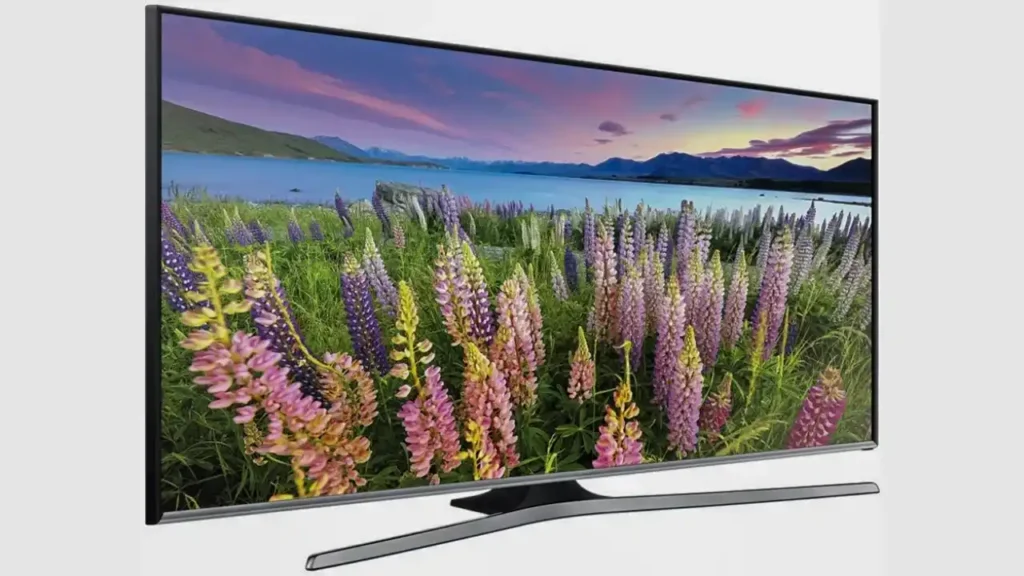
Tune your TV to Channel 70 (7HD) or Channel 73 (7mate HD). If the picture displays normally, your TV supports MPEG4. If it shows a black screen or silent picture, the TV’s tuner is incompatible and cannot decode the new HD format.
TV Brands Known to Have MPEG4 Issues
A number of older or budget-range TVs and PVRs struggle with MPEG4. Brands commonly affected include Schaub Lorenz, Baumann Meyer, NEC, Sherwood and certain NextWave PVR units. These models often fail to update or simply lack MPEG4 hardware support.
Solutions for TVs Without MPEG4 Support
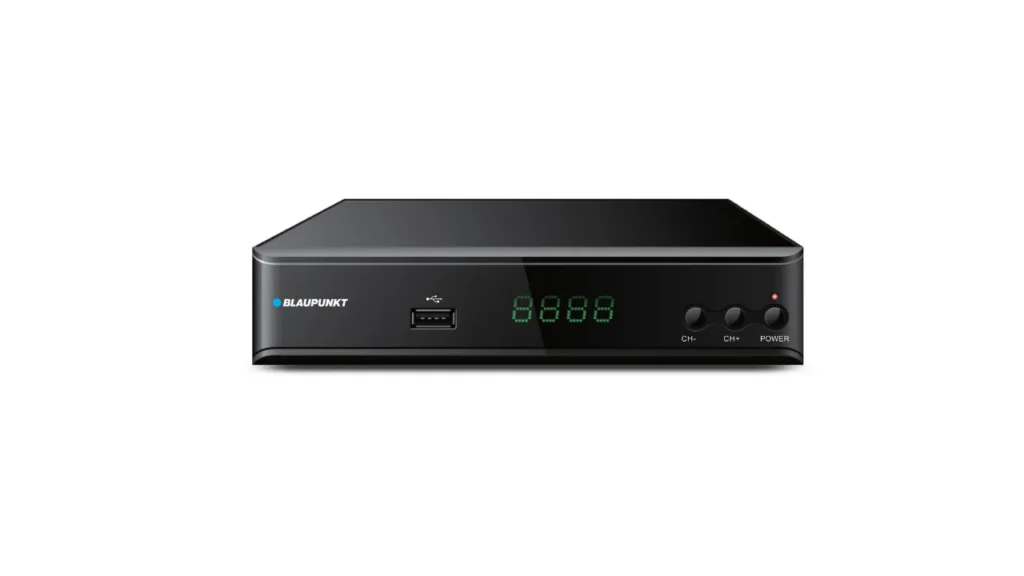
If your TV cannot decode MPEG4, the simplest fix is to add an HD set-top box, which allows your TV to receive the new channels without replacing the TV itself. Otherwise, upgrading to a modern TV will solve the problem permanently. You can also watch via 7plus through a smart TV, mobile device or streaming stick.
Fix 2 Retune or Rescan Your TV
When Retuning Works
A retune is useful after Channel 7 completes broadcast changes or after outages, maintenance or frequency adjustments. This allows the TV to update its channel list and lock onto new multiplex frequencies.
Auto Re-Scan Steps
Most TVs include an automatic channel scan under the setup or tuning menu. Running an auto-scan clears old data and rebuilds the channel list. This alone often restores missing channels.
Manual Tuning (Strongest Frequencies via mySwitch)
Manual tuning offers a more accurate method because it targets the correct broadcast frequency for your location. Using the mySwitch tool, you can find the exact VHF/UHF details and enter them manually, ensuring a stronger and more stable signal than relying on auto-scan.
Fix 3 Check Your Antenna System
Antenna Age
Most rooftop antennas last 10–15 years. Older antennas deteriorate, leading to weak reception or signal dropouts, especially on HD channels.
Rooftop Antenna Alignment
Even a small shift in alignment can cause Channel 7 to fail while other channels still work. High winds or storms often misalign antennas.
Damaged or Outdated Antennas
Bent elements, broken brackets and rusted components commonly reduce signal quality. Older antennas designed for analog frequencies may also struggle with digital VHF.
Indoor Antennas
Indoor antennas, particularly “rabbit ears,” often fail to provide stable reception for HD broadcasts. They are prone to interference and movement.
Removing Old Legacy Antennas
If your home has multiple old antennas, they can cause unwanted reflections or poor signal paths. Removing unused units often improves reception.
Fix 4 Cabling, Fly Leads & Wall Plates
Common Cabling Issues
Loose or poorly fitted cables, rust at connectors, long fly leads and oxidised wall plates all cause signal loss. Splitters can also reduce signal strength, especially in older systems or when too many receivers are connected. Using the wrong cable type further weakens reception.
Recommended Equipment
For reliable digital reception, RG6 quad-shield coaxial cable is recommended. Minimising splitters and replacing long fly leads helps stabilize HD channels. Clean, tight connections are essential for a consistent signal.
Fix 5 Interference Problems
Internal Interference
Appliances inside the home can disrupt digital TV signals. Pool pumps, LED lights, thermostats, drills, light dimmers and even faulty power boards may introduce interference affecting Channel 7 frequencies.
External Interference
Outside the home, powerlines, streetlights, amateur radio equipment and nearby signal boosters can disturb reception. These issues often create intermittent dropouts.
Mobile Phone Tower Overload
Homes located close to mobile phone towers, particularly within about one kilometre, often experience interference if using an amplifier on their antenna system. Installing a 4G filter or removing the amplifier usually resolves the issue.
ACMA Involvement
If interference persists and cannot be traced to equipment inside your home, ACMA may need to investigate. Licensed technicians can file a report when external interference is suspected.
Fix 6 Geographic & Weather Issues
Hilly Areas, Valleys, Trees
Geography plays a major role in signal strength. Hills, tall buildings and even large trees can block or reflect digital signals, causing Channel 7 to drop out more frequently than others.
Coastal Ducting
Atmospheric ducting along coastal areas can cause temporary disturbances where channels disappear or pixelate due to unusual atmospheric conditions.
Weather-Related Disruptions
Storms, humidity and hot summer conditions often affect VHF reception. These issues usually resolve themselves once the weather stabilises.
When to Consider VAST Satellite TV
In difficult geographic regions where antennas cannot be optimised, VAST satellite TV provides a stable alternative that bypasses terrestrial broadcast issues entirely.
Alternative Ways to Watch Channel 7
7plus App
Smart TVs, mobile phones and tablets can stream Channel 7 live through the 7plus app, bypassing TV tuner and antenna issues.
Chromecast / Apple TV
Streaming devices allow you to watch Channel 7 without relying on traditional antenna reception.
Streaming via Internet
If broadcast reception fails, switching to internet streaming ensures continuous access to shows and live events.
When You Need a Technician
If you have tried retuning and all the easy checks and Channel 7 still will not come back clear then it is time to call a proper installer. When the antenna is old the cables are worn out or something is messing with the signal a technician can test everything with the right gear and tell you exactly what needs fixing. They can fit a new MPEG4 set-top box, add a booster, put in filters or even replace the whole antenna if that is what it takes to get your TV working perfectly again.
Don’t let TV signal issues or format changes interrupt your viewing. Contact Borderless Solutions today for expert diagnostics, tuning and antenna upgrades.
Final Advice
Most Channel 7 problems come from the big switch to the new MPEG4 HD system. When Channel 7 or the extra channels like 70 71 72 go missing it is almost always because the TV tuner can’t read the new format or the TV needs a fresh retune or the antenna signal is weak or getting blocked. Old cables and interference make things worse too.
Follow the steps in this guide and you can usually work out the problem and fix it yourself in minutes. If it still will not work a proper antenna technician can sort it out once and for all and get Channel 7 back sharp and clear.